Part 1: Masses and springs
Building a grid of masses and springs:
Images below shows when running ./clothsim -f ../scene/pinned2.json, with/without shearing constrain, and with all constrains.
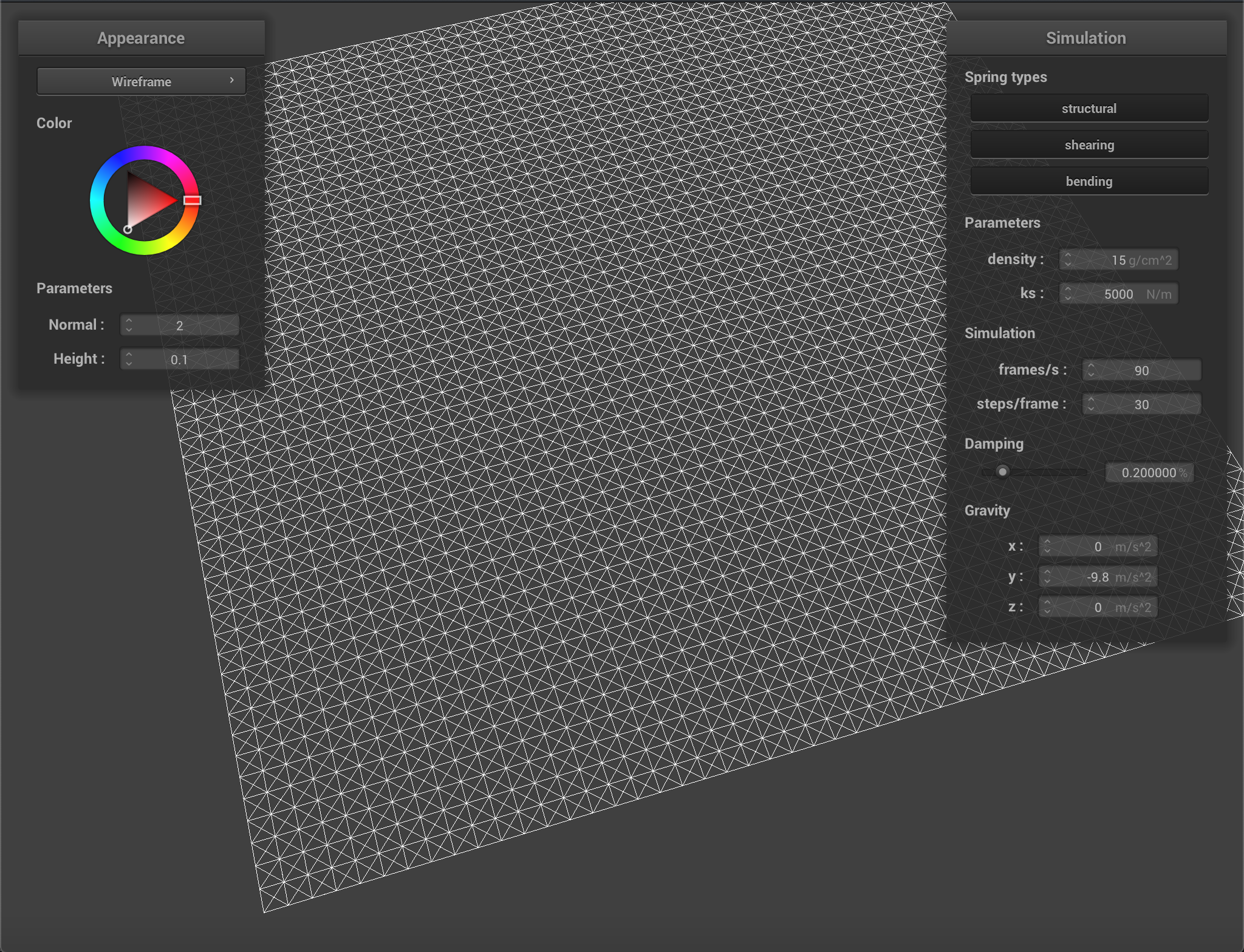 ./clothsim -f ../scene/pinned2.json
|
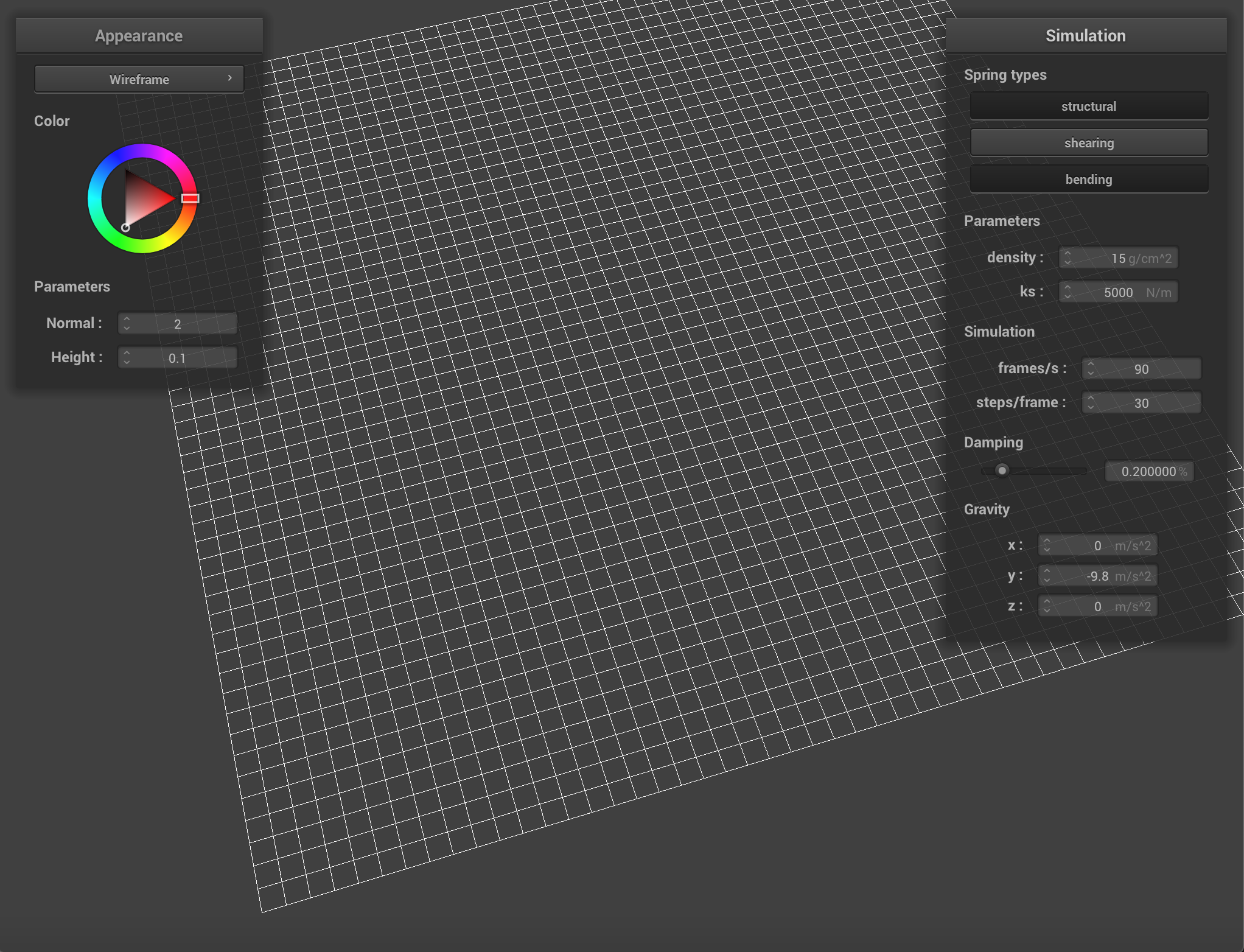 Without Shearing
|
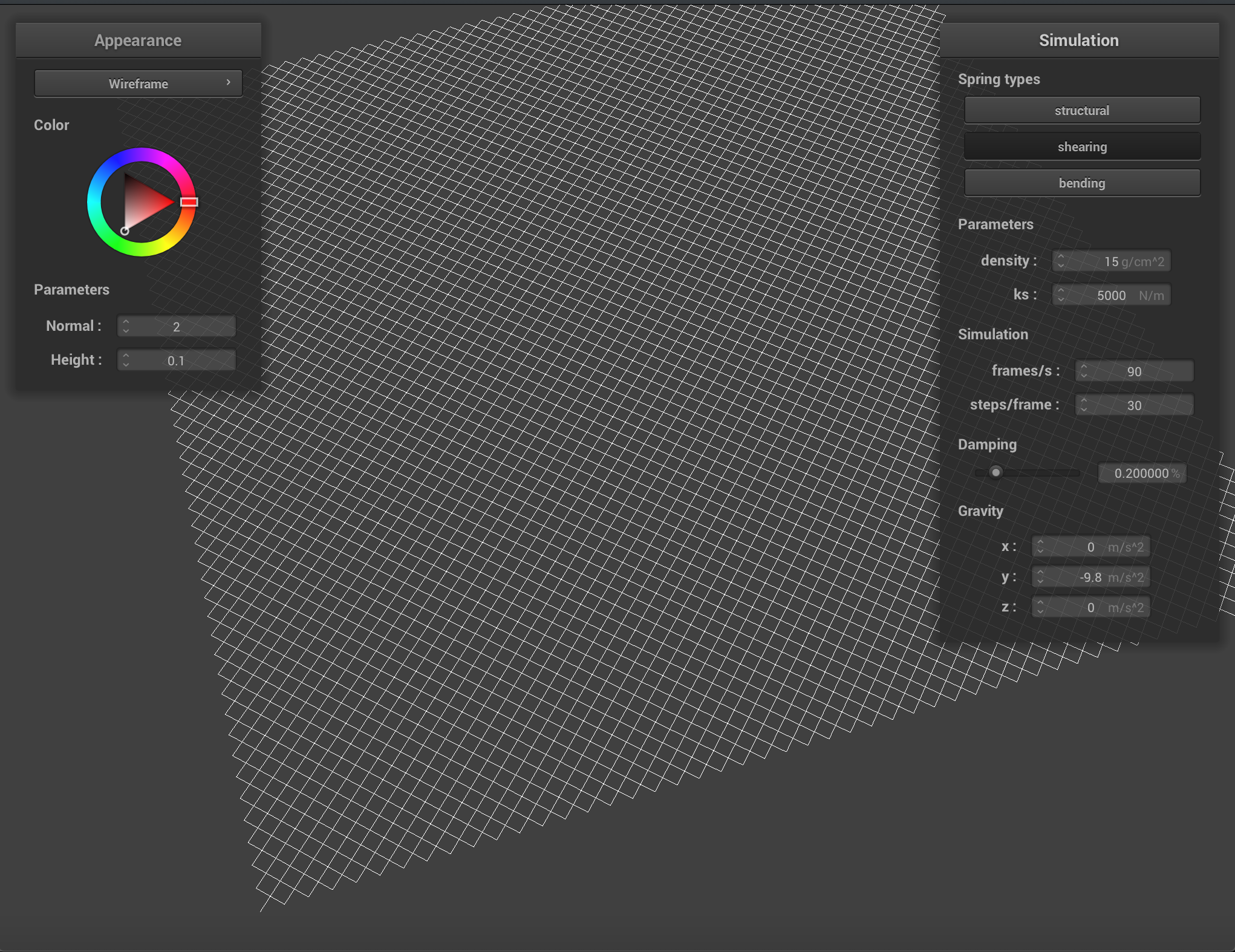 With Shearing
|
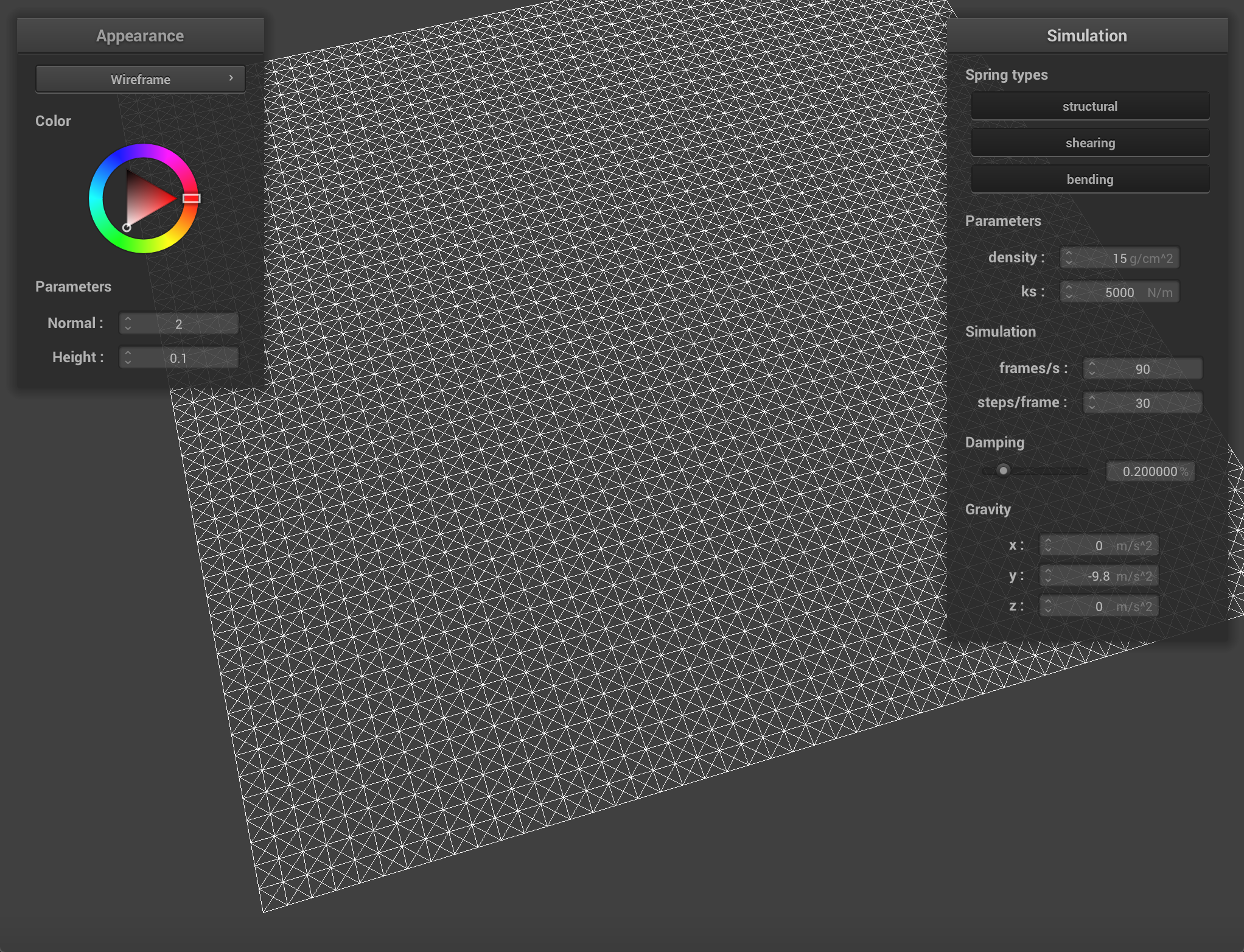 With all Constrains
|
Part 2: Simulation via numerical integration
ks analysis:
Below are the images of simulation with different ks from small to large and other parameters stay the same. The first image shows the simulation with ks = 5 N/m, the cloth seems very soft and the internal forces are small, so that it noticeably deformed under the effects of external forces such as gravity. As the ks increases (from 500 to 10000), the cloth’s internal forces increase as well, we can notice that the gravity has less and less effect on the cloth’s shape. When ks = 200000 N/m, the external forces barely affect the cloth’s shape. However, when ks is too large (ks = 350000 N/m), the internal forces exceed the external forces and the cloth starts to squash.
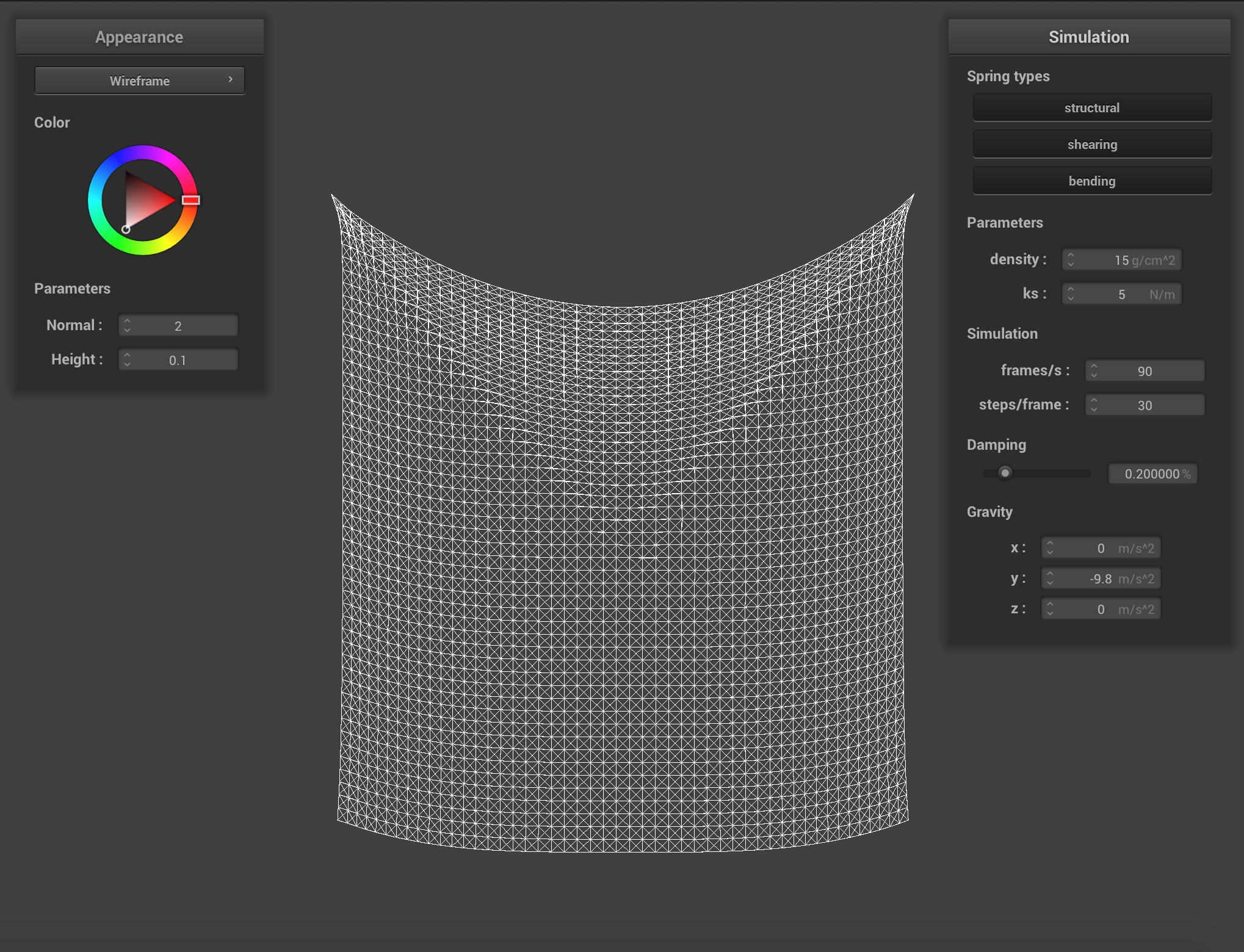 ks = 5 N/m
|
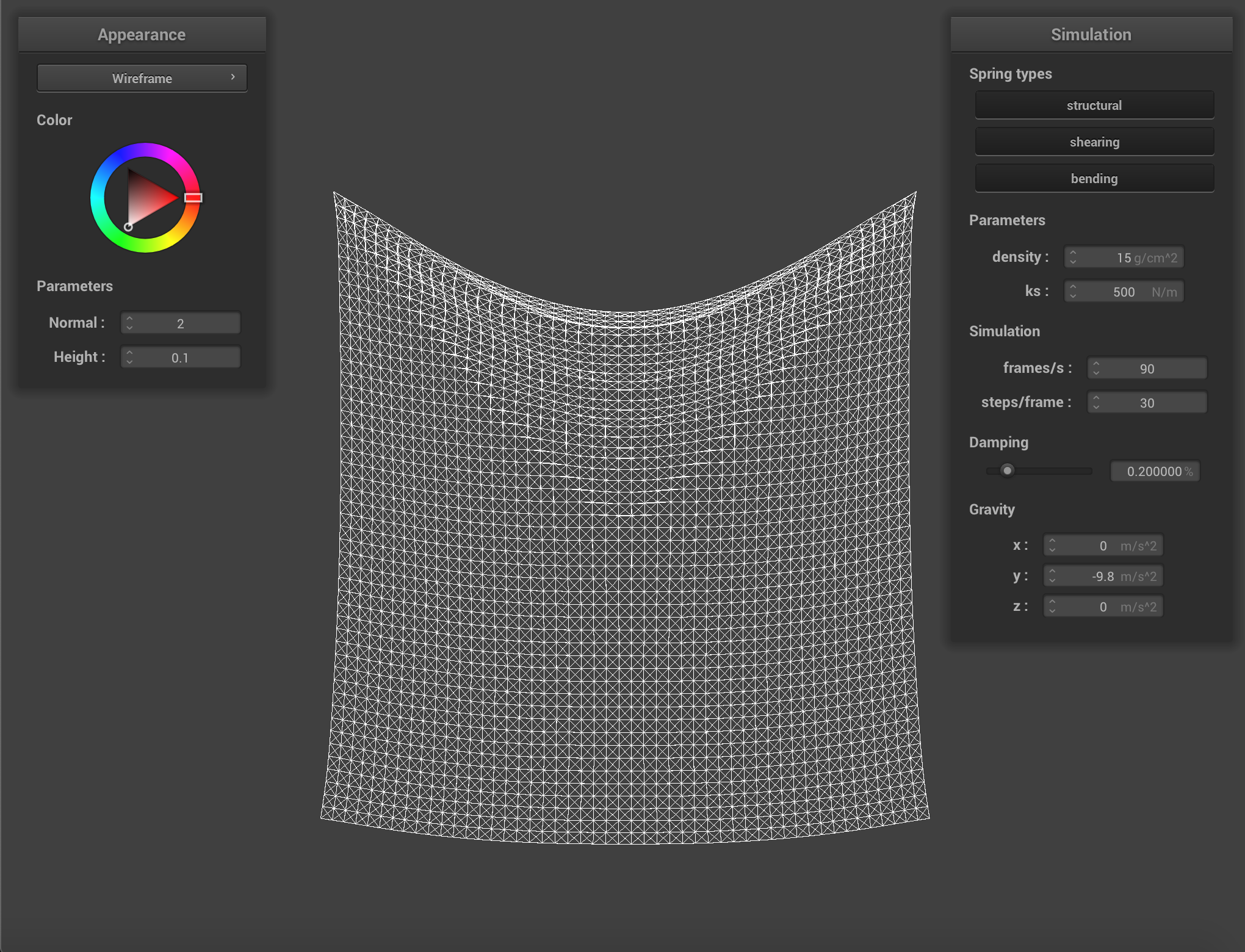 ks = 500 N/m
|
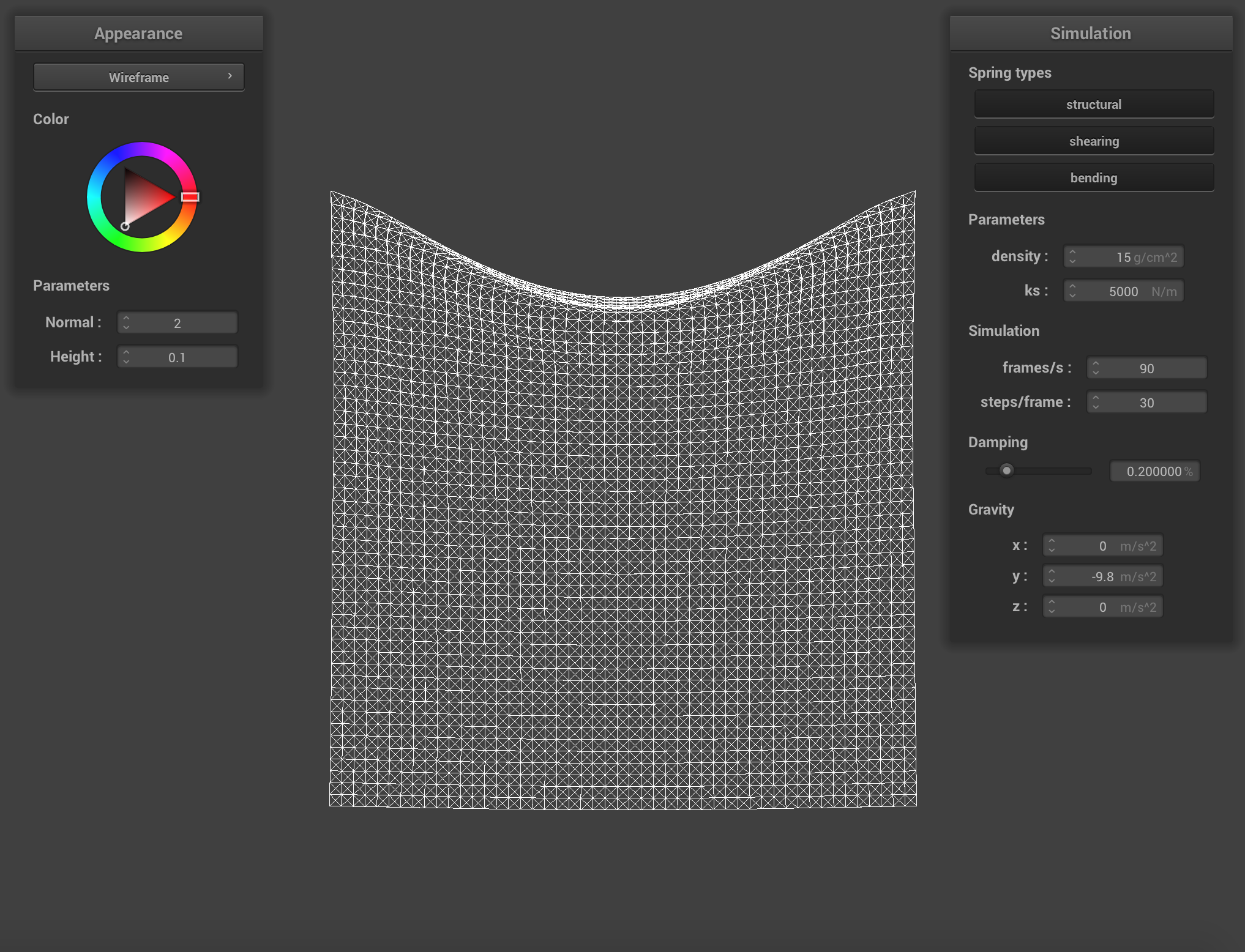 ks = 5000 N/m
|
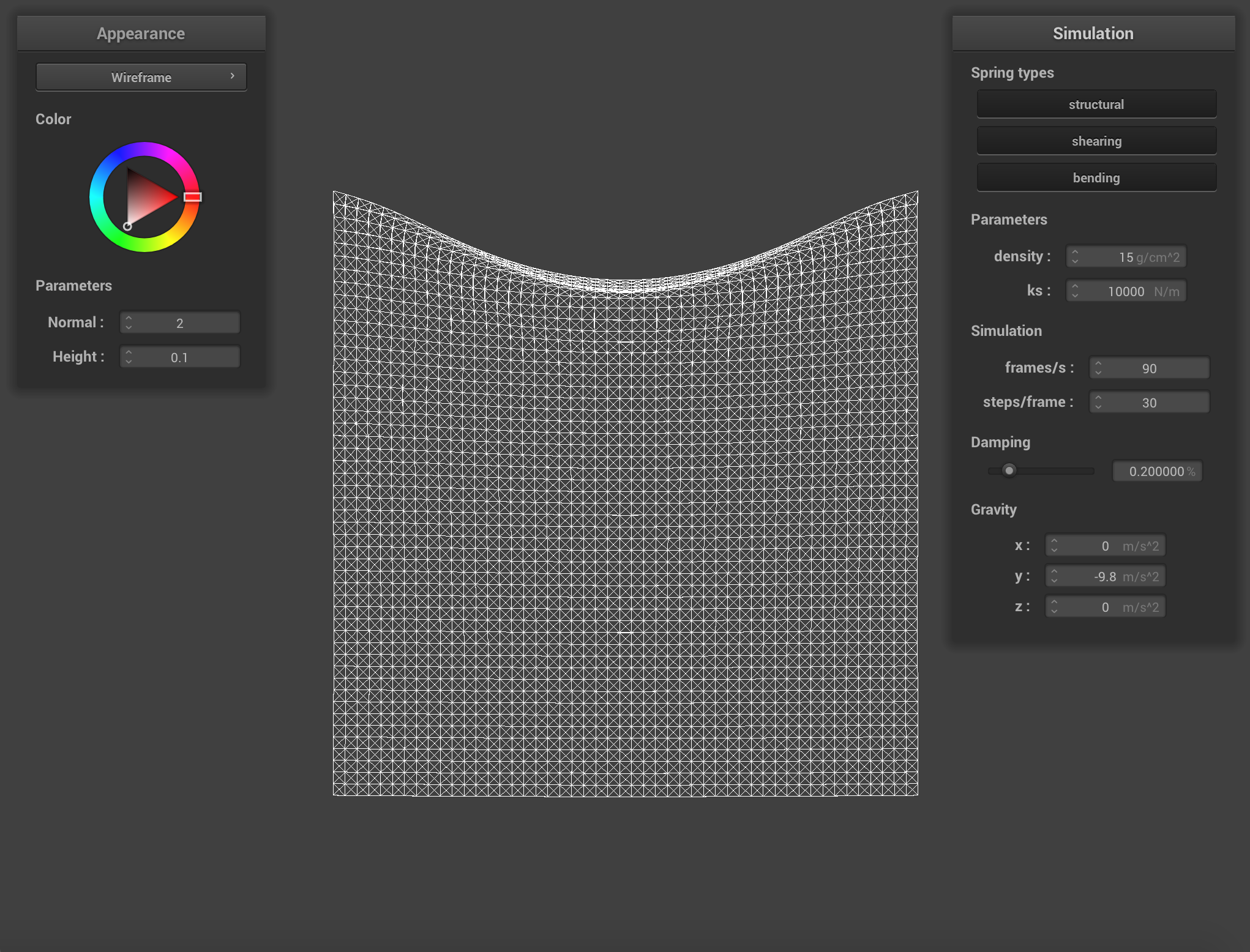 ks = 10000 N/m
|
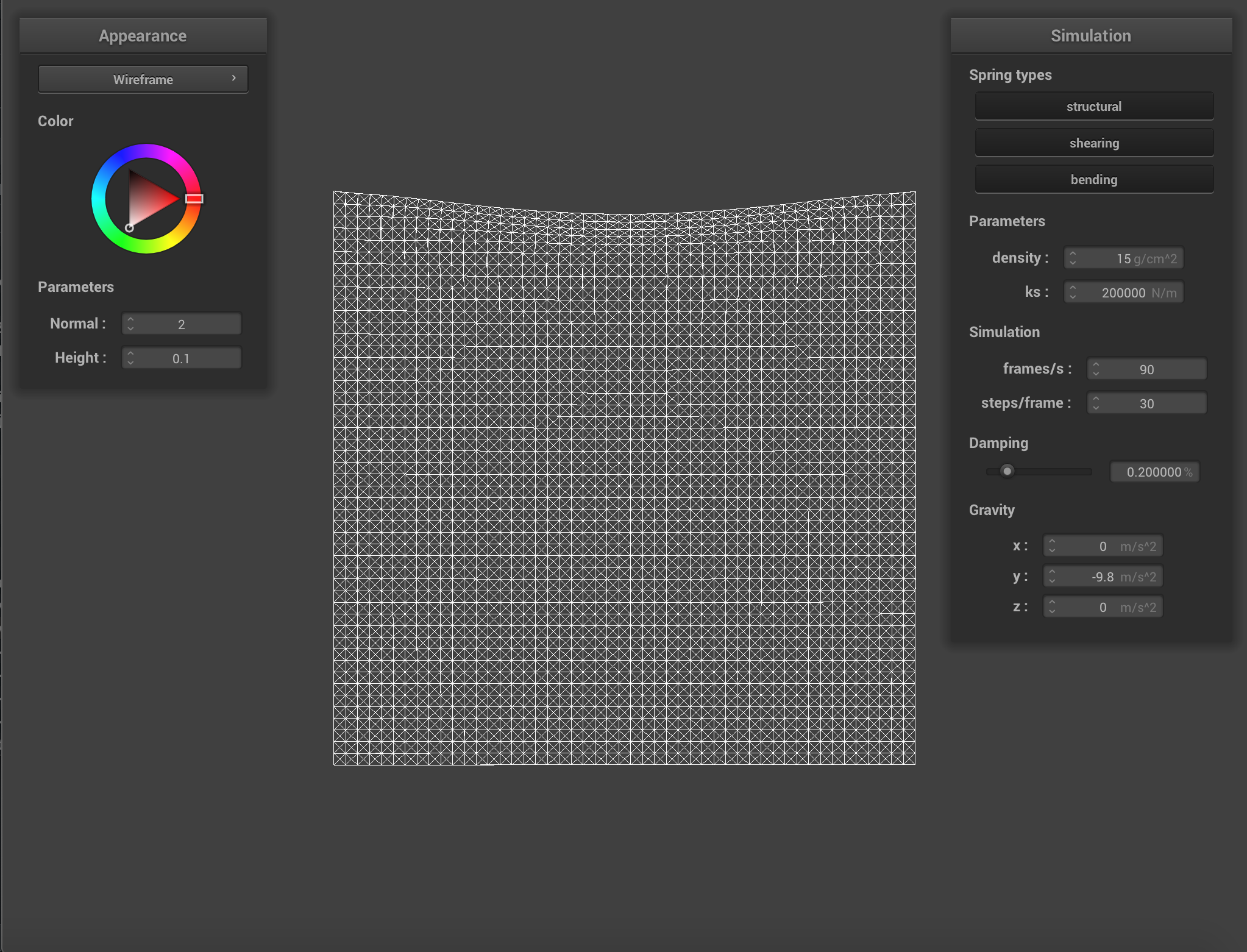 ks = 200000 N/m
|
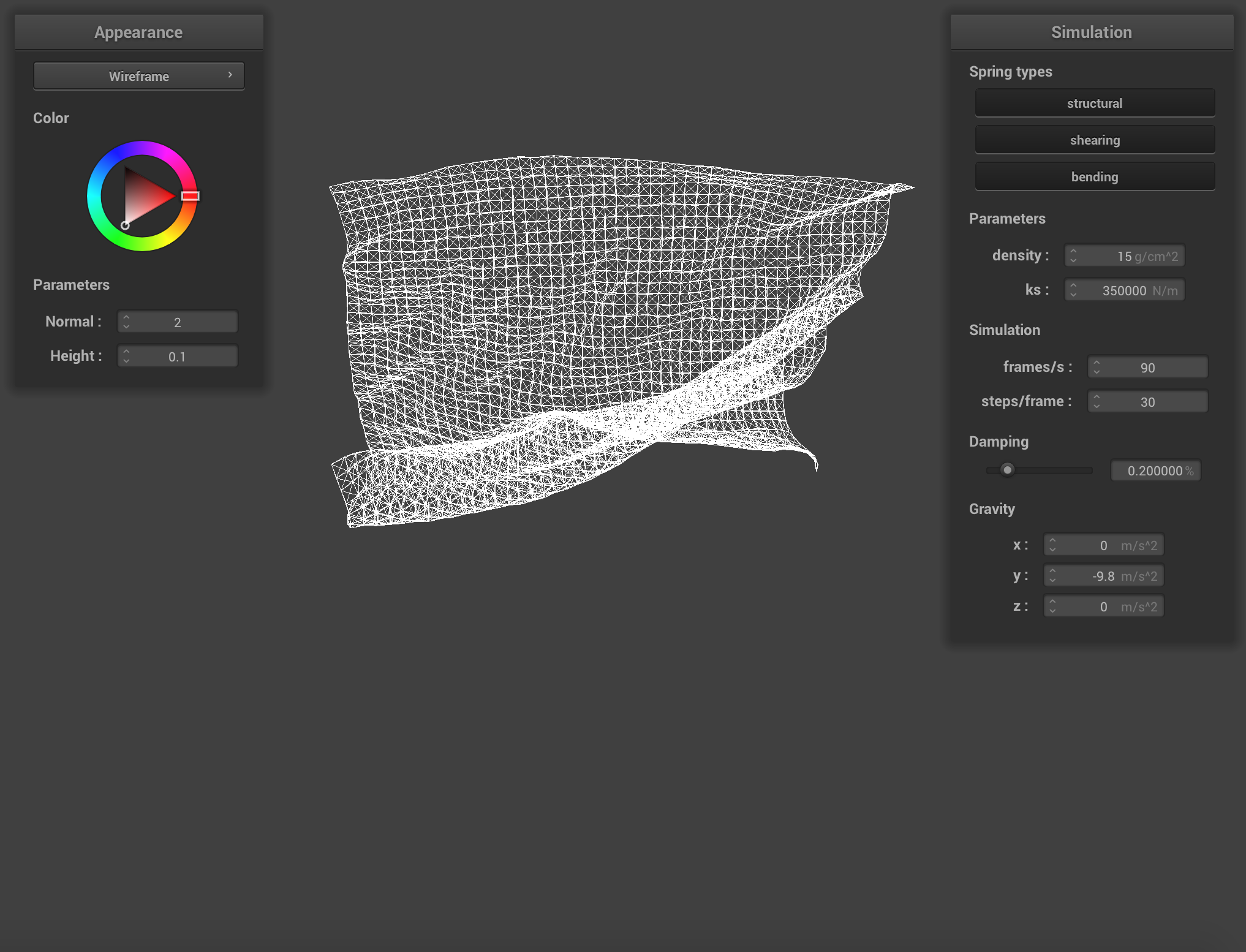 ks = 350000 N/m
|
Density analysis:
Below are the images of simulation with different density from small to large and other parameters stay the same. The first image shows the simulation with density = 1 g / cm^2. As the density increases, the tension between the springs decreased. However, after the density is large enough, it won’t affect the shape of the cloth anymore as we keep increasing the density.
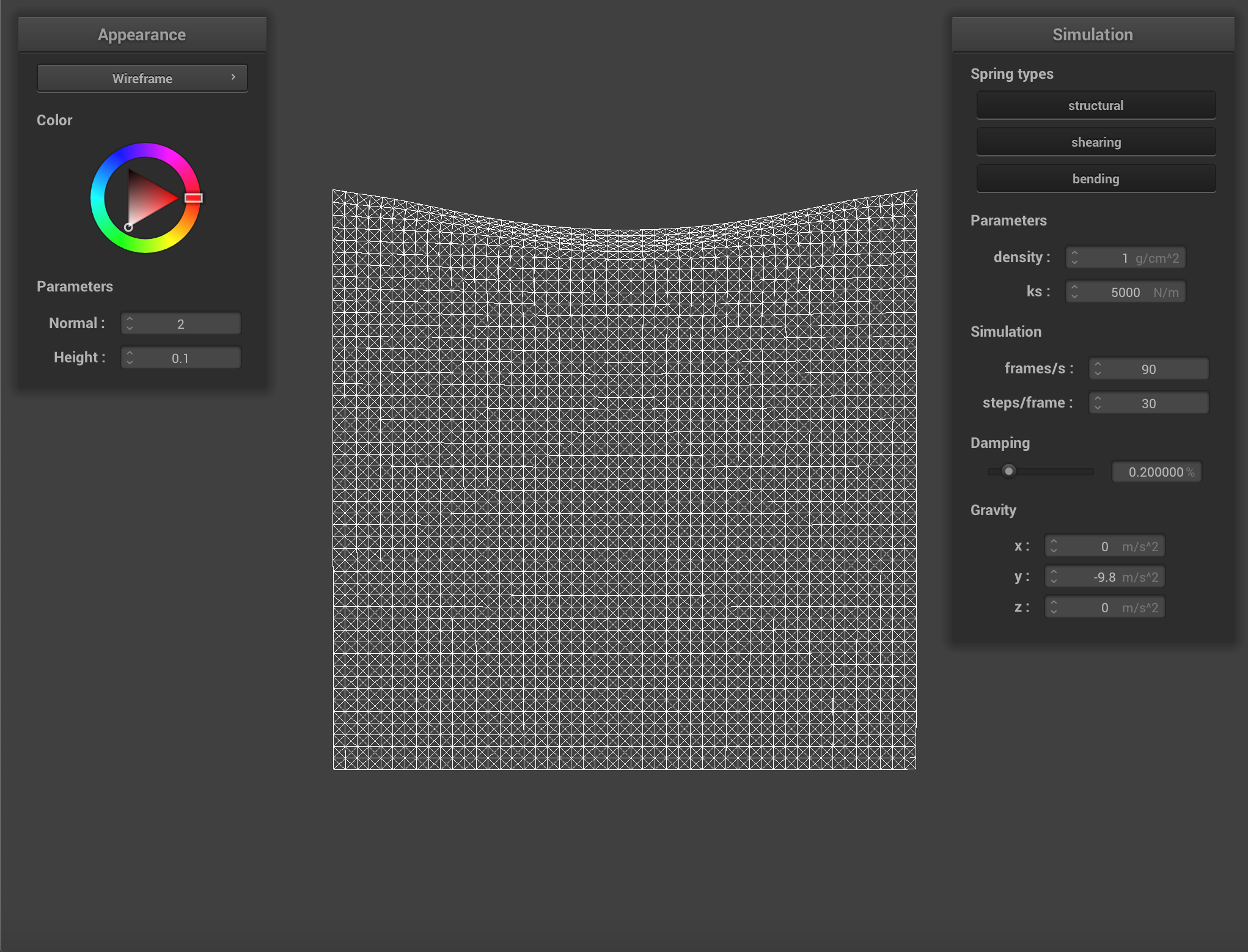 density = 1 g/cm^2
|
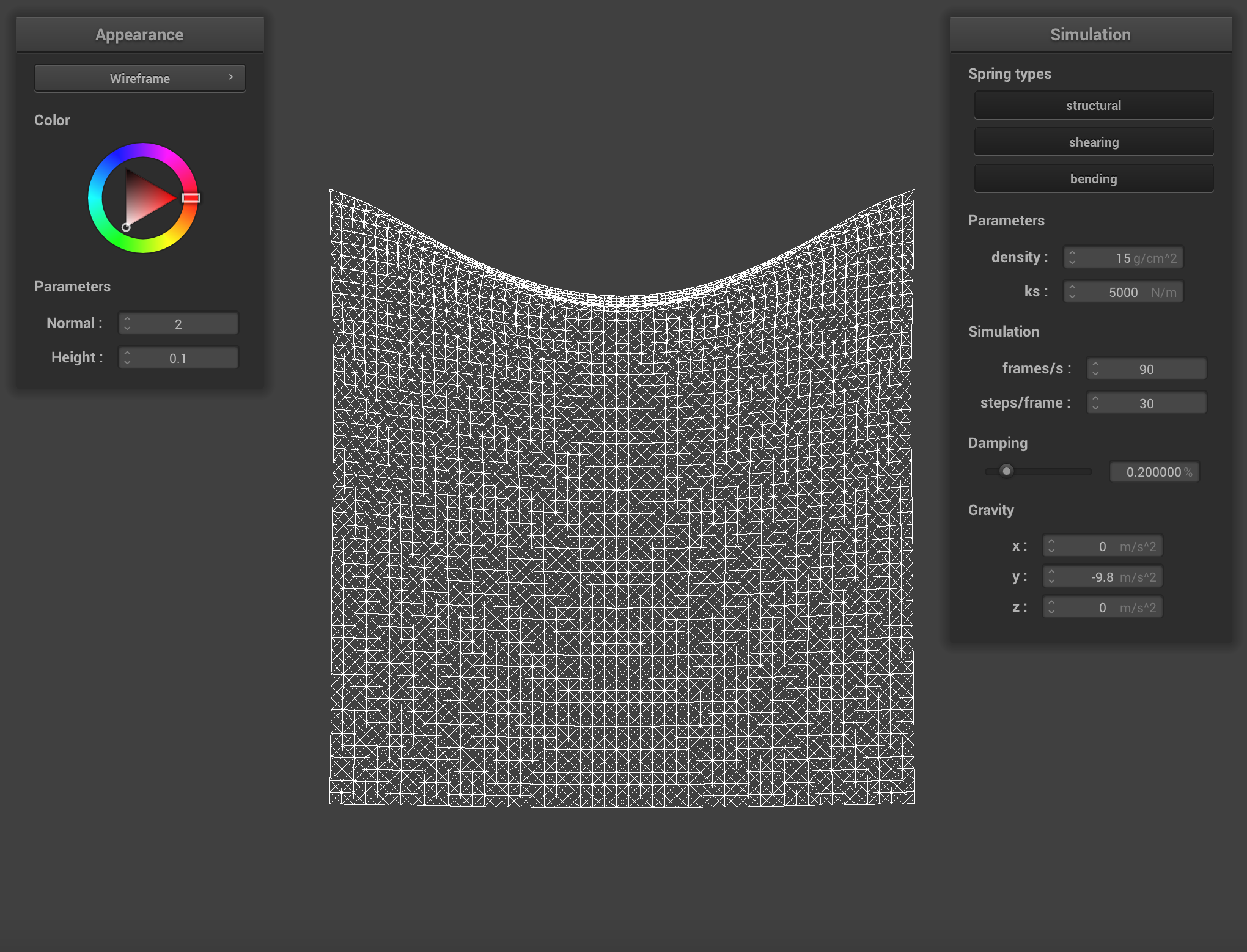 density = 15 g/cm^2
|
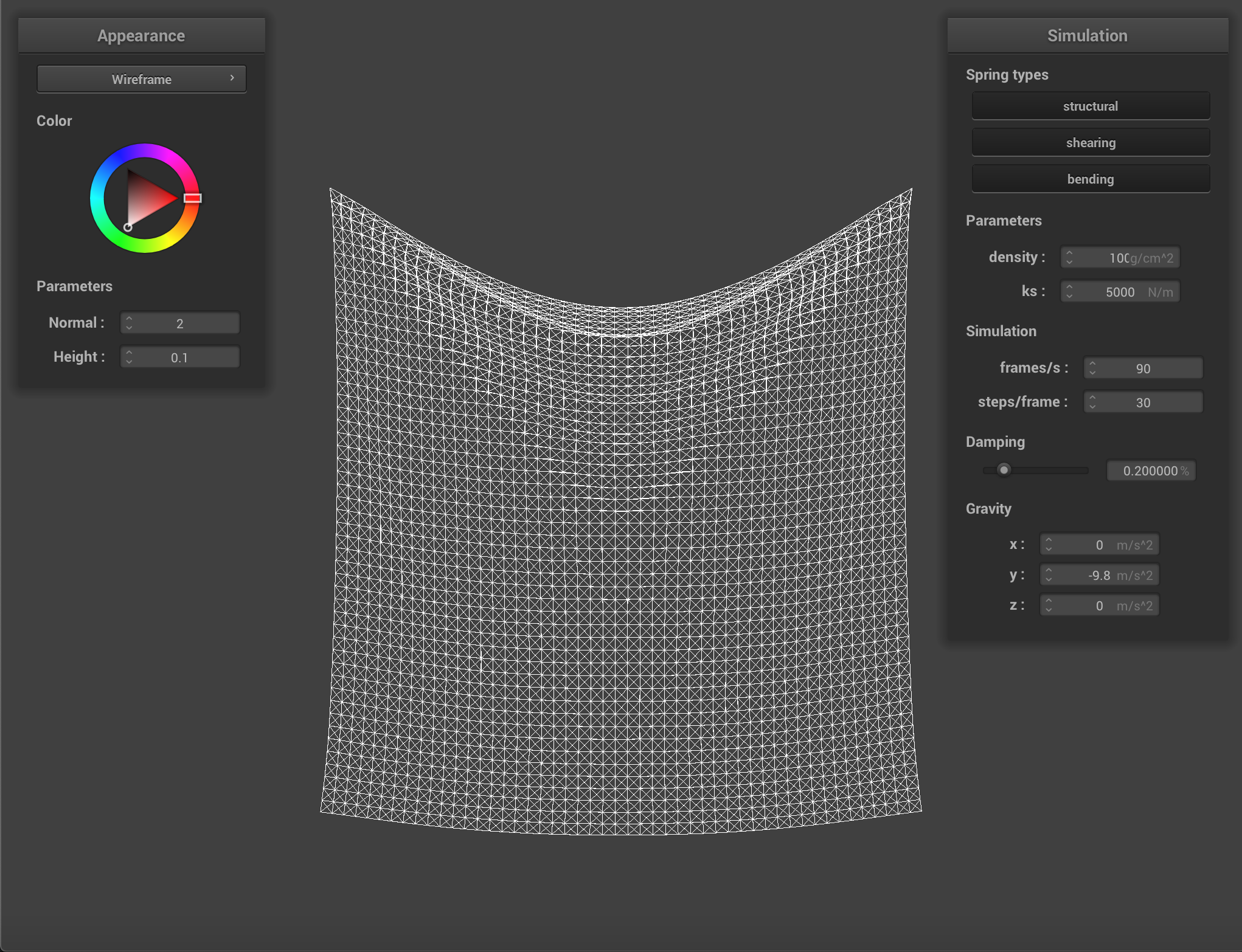 density = 100 g/cm^2
|
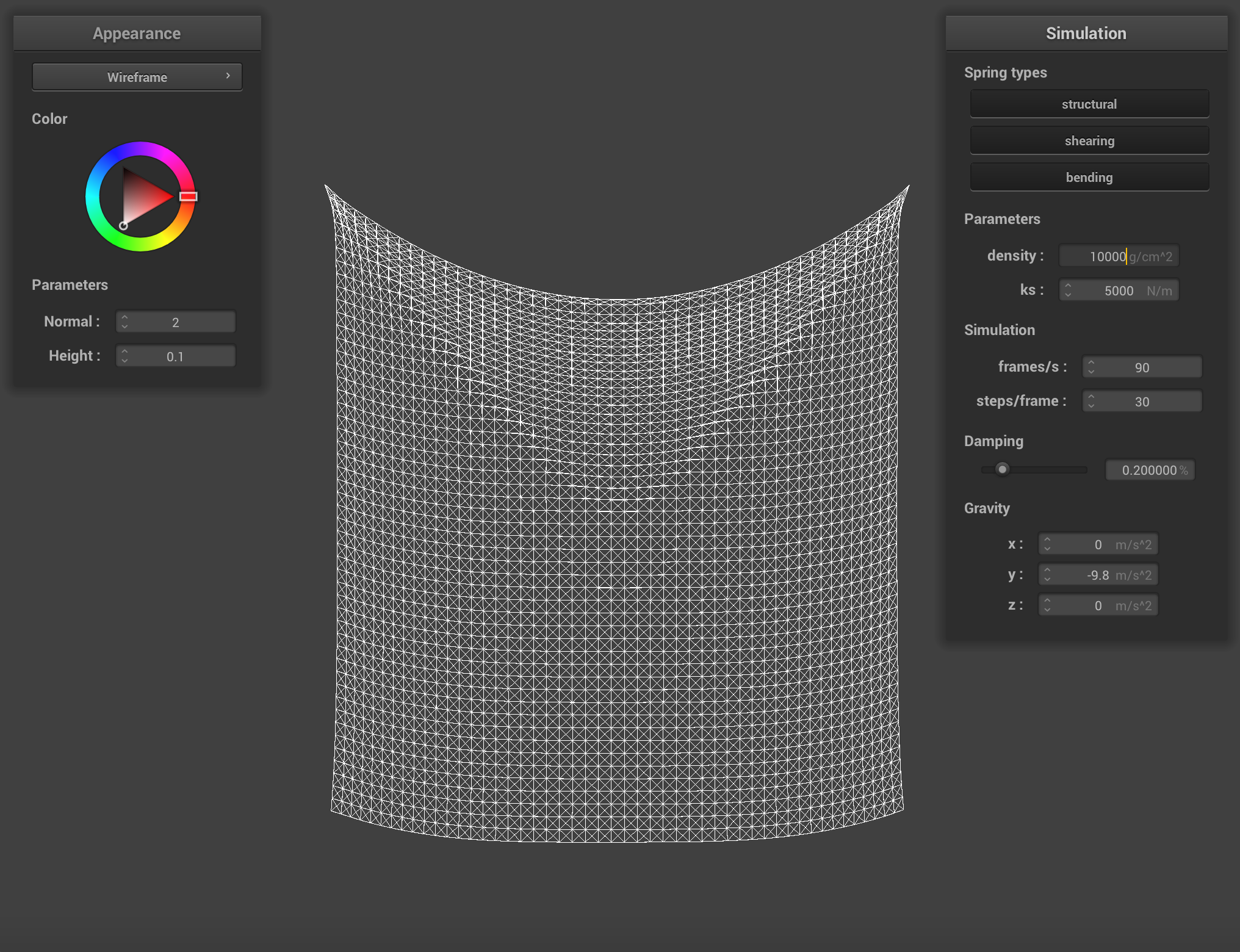 density = 10000 g/cm^2
|
Damping analysis:
Below are the images of simulation with different damping and other parameters stay the same. The first image shows the simulation with damping = 0. When simulation starts, the cloth will drop down quickly and keep moving back and forth. Whereas when damping = 1, the cloth will drop down very slowly and will keep stable at the end.
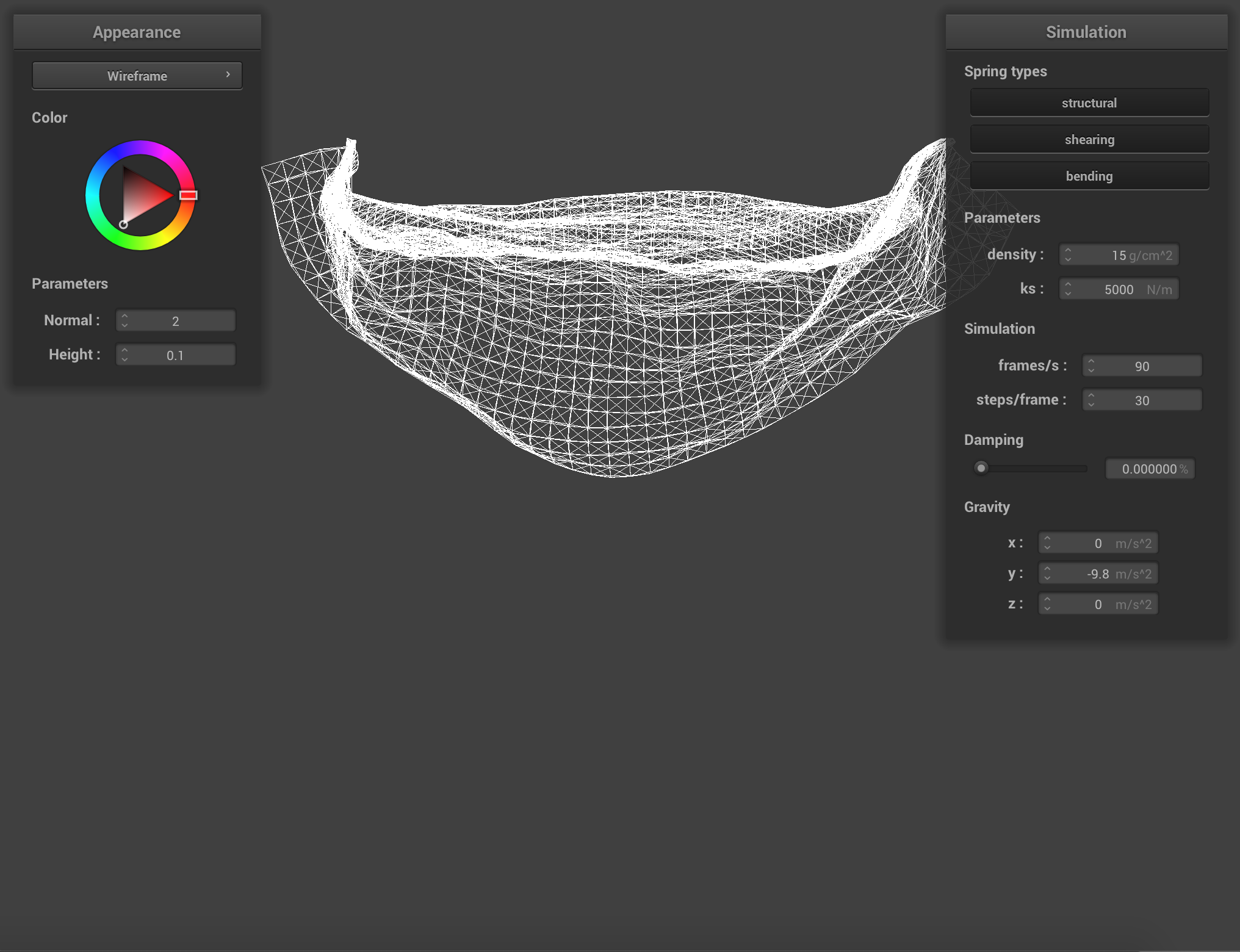 damping = 0
|
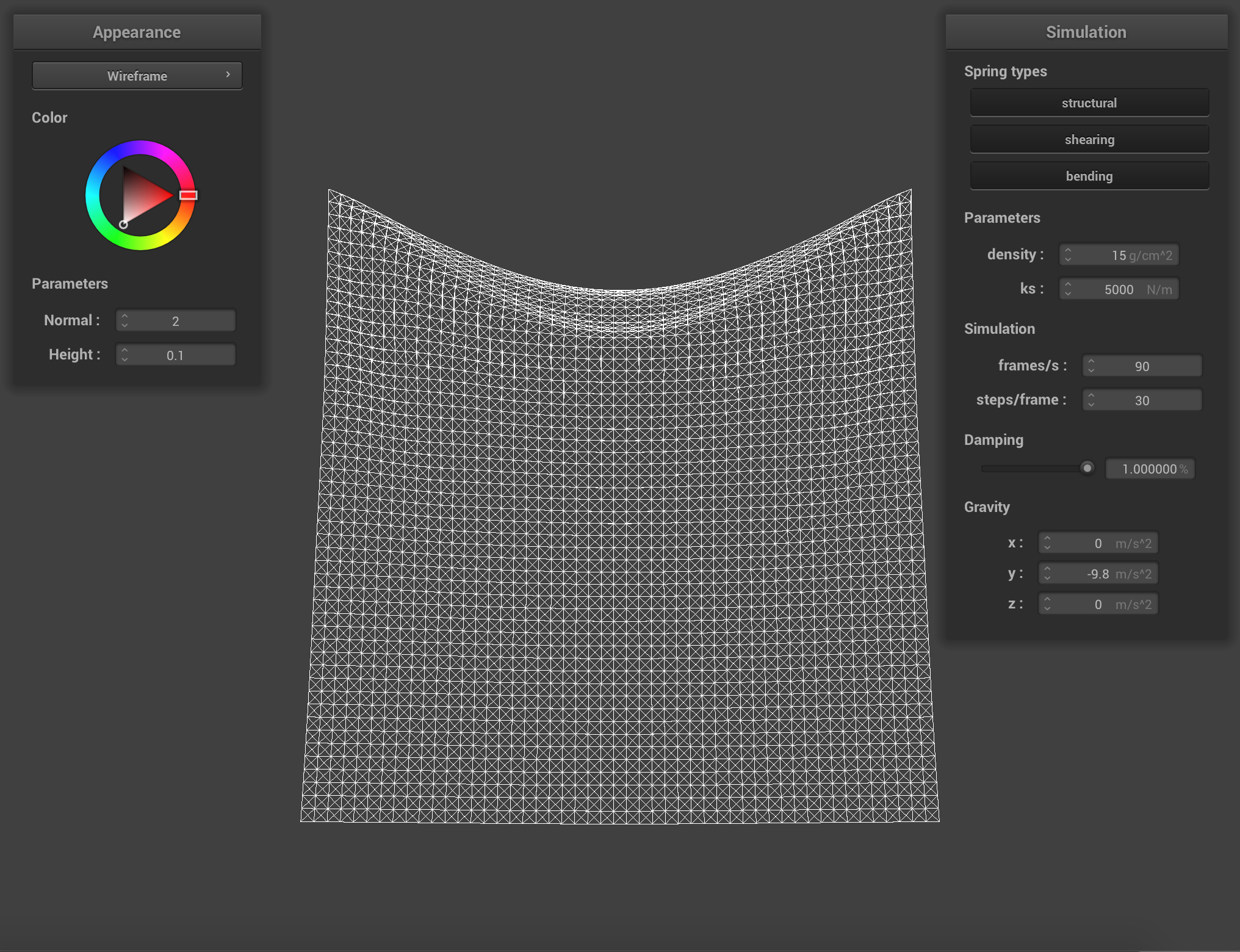 damping = 1
|
Below is image of scene/pinned4.json in final resting state.
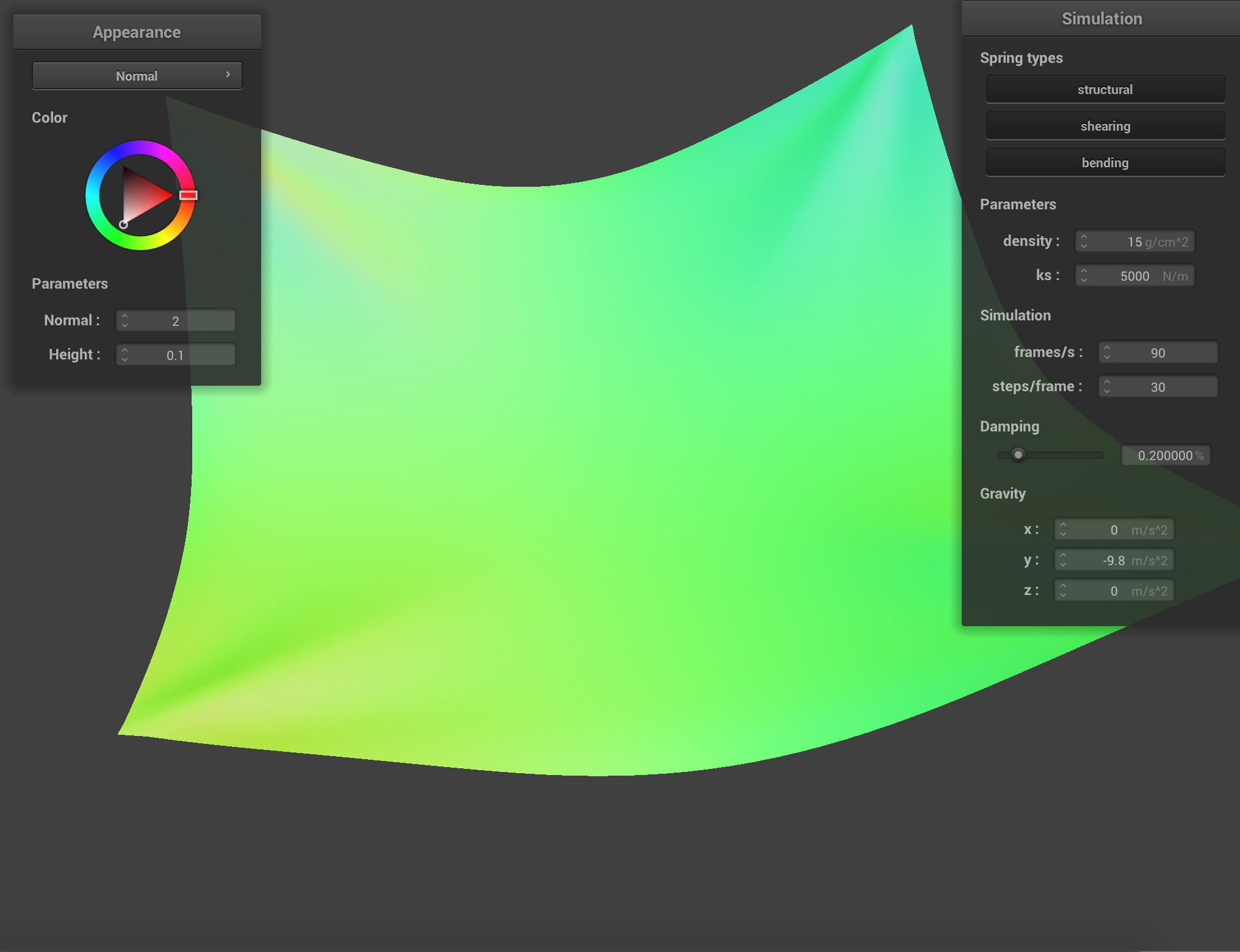 pinned4
|
Part 3: Handling collisions with other objects
Handling collisions with spheres:
Below are the simulation images of collisions with spheres with different ks from small to large and other parameters stay the same. When ks is small (500 N/m), the cloth seemed soft, it has multiple folding. As the ks increases, the number of folding decreases.
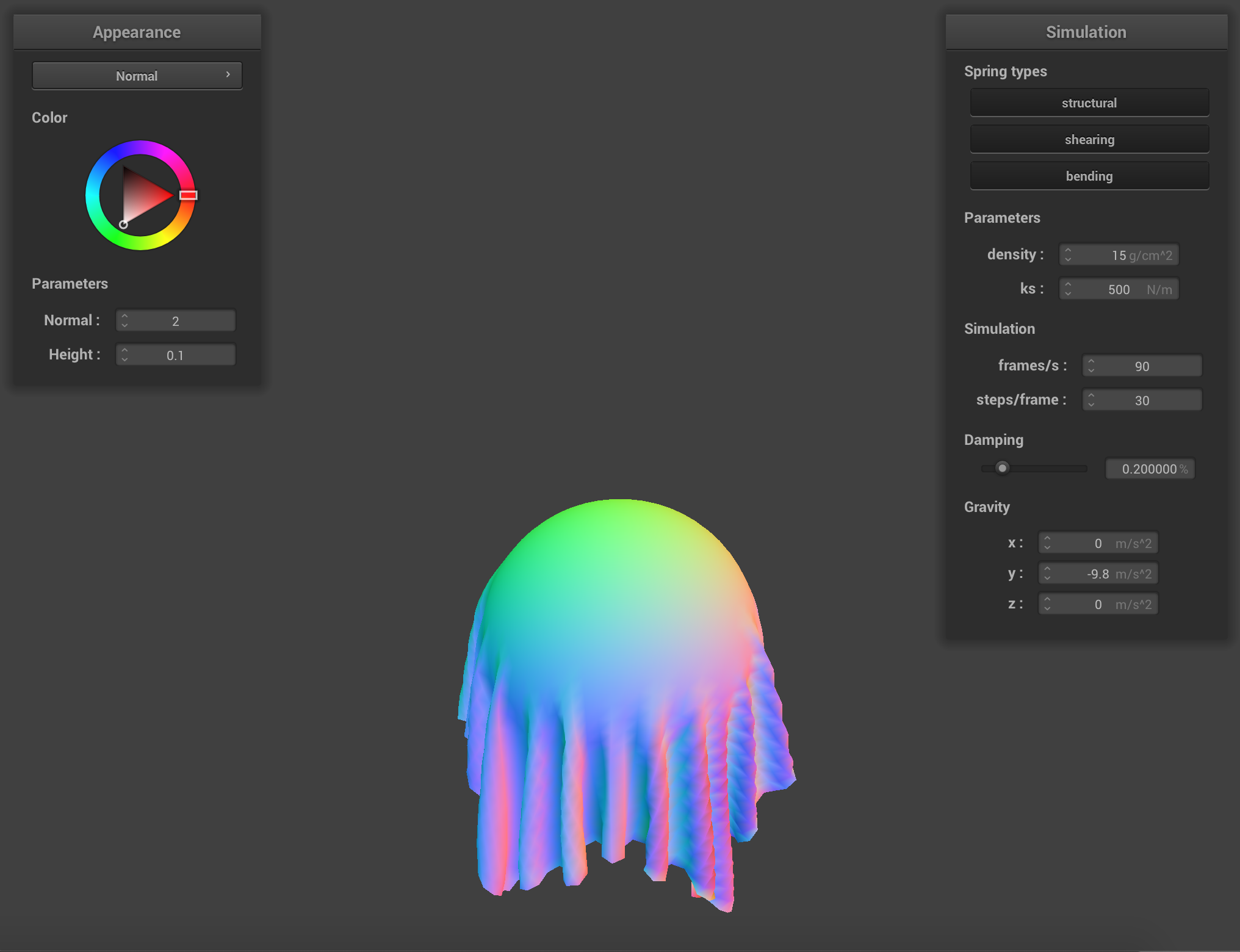 ks = 500 N/m
|
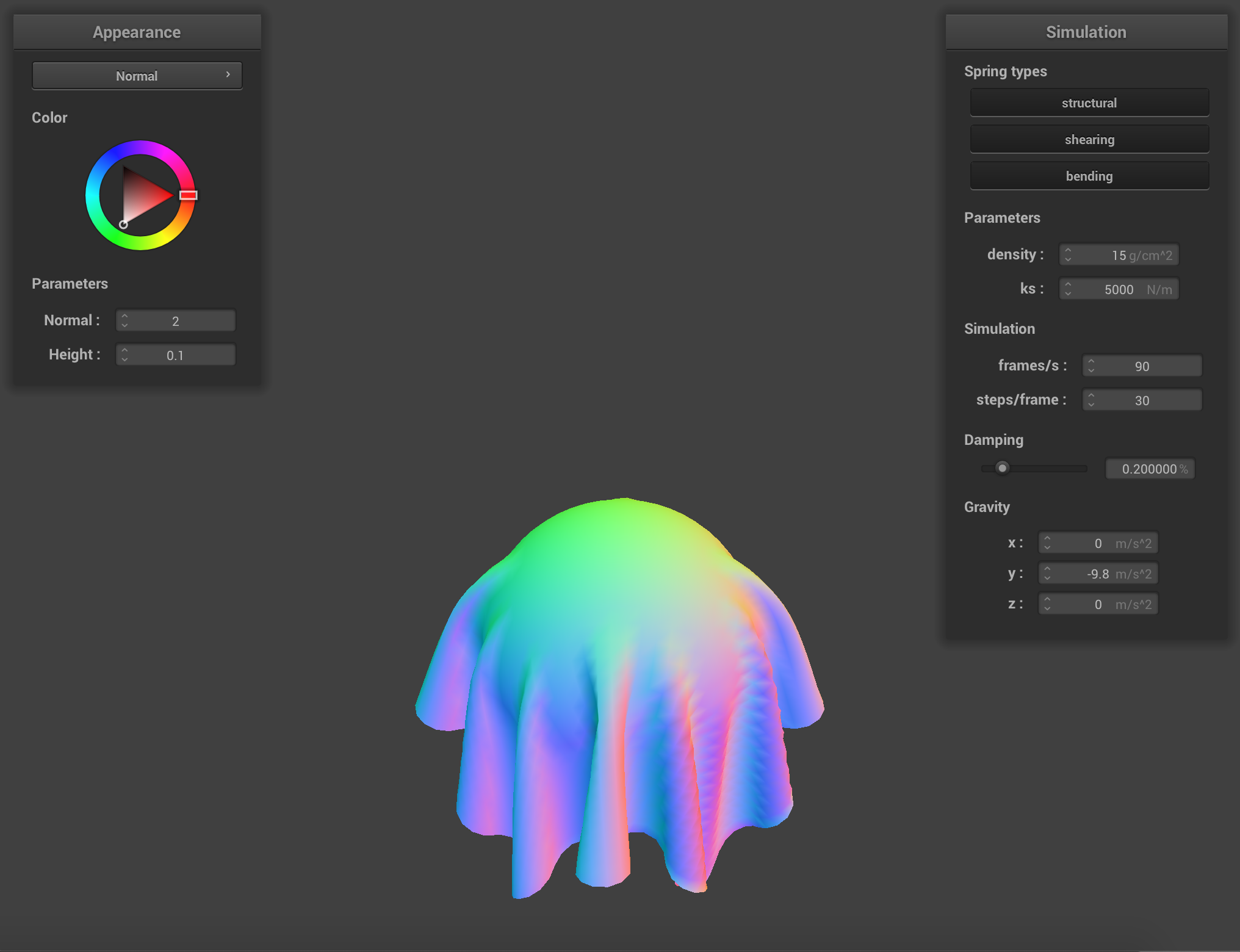 ks = 5000 N/m
|
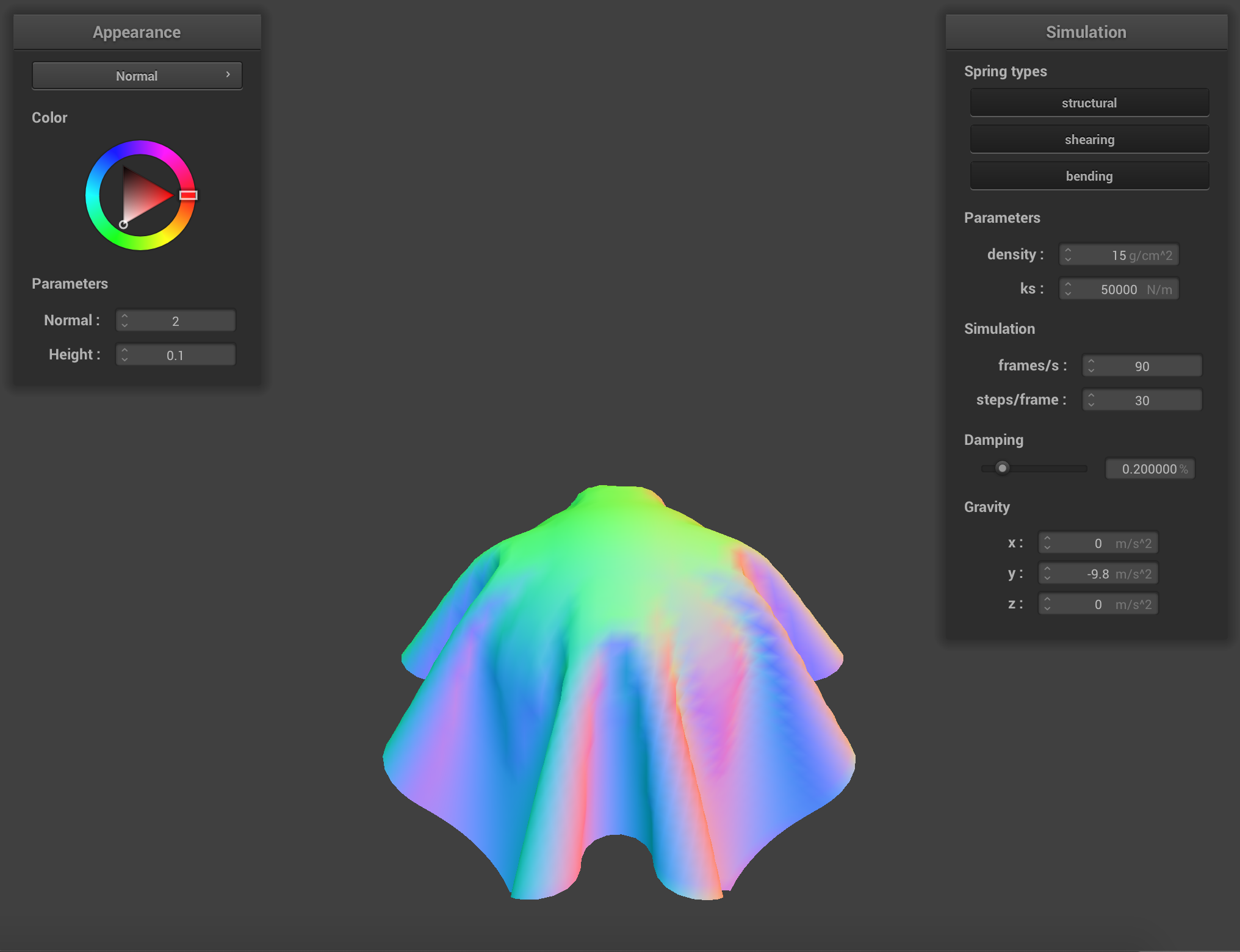 ks = 50000 N/m
|
Handling collisions with planes:
Below is the screenshot of the shaded cloth lying peacefully at rest on the plane.
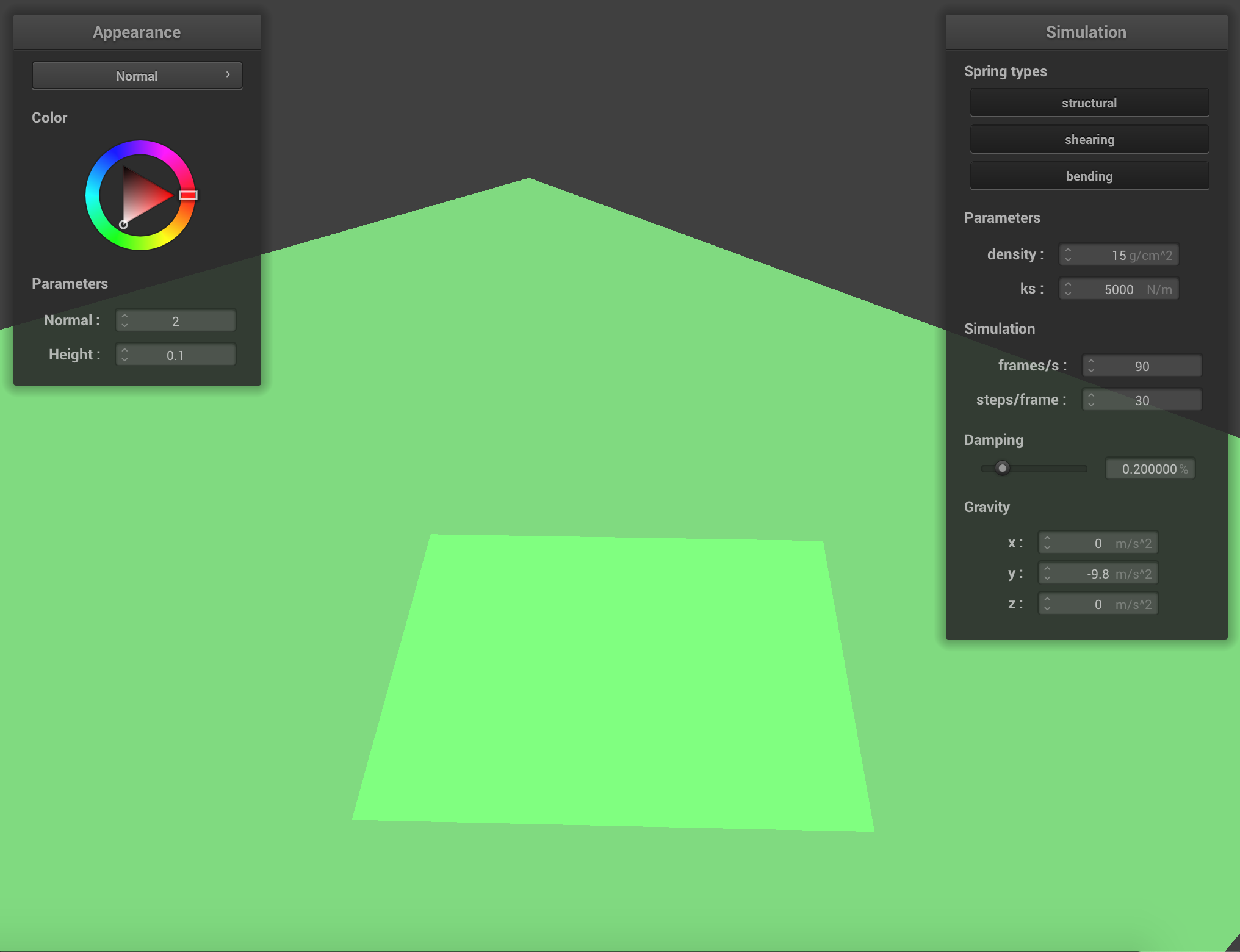 /scene/plane.json
|
Part 4: Handling self-collisions
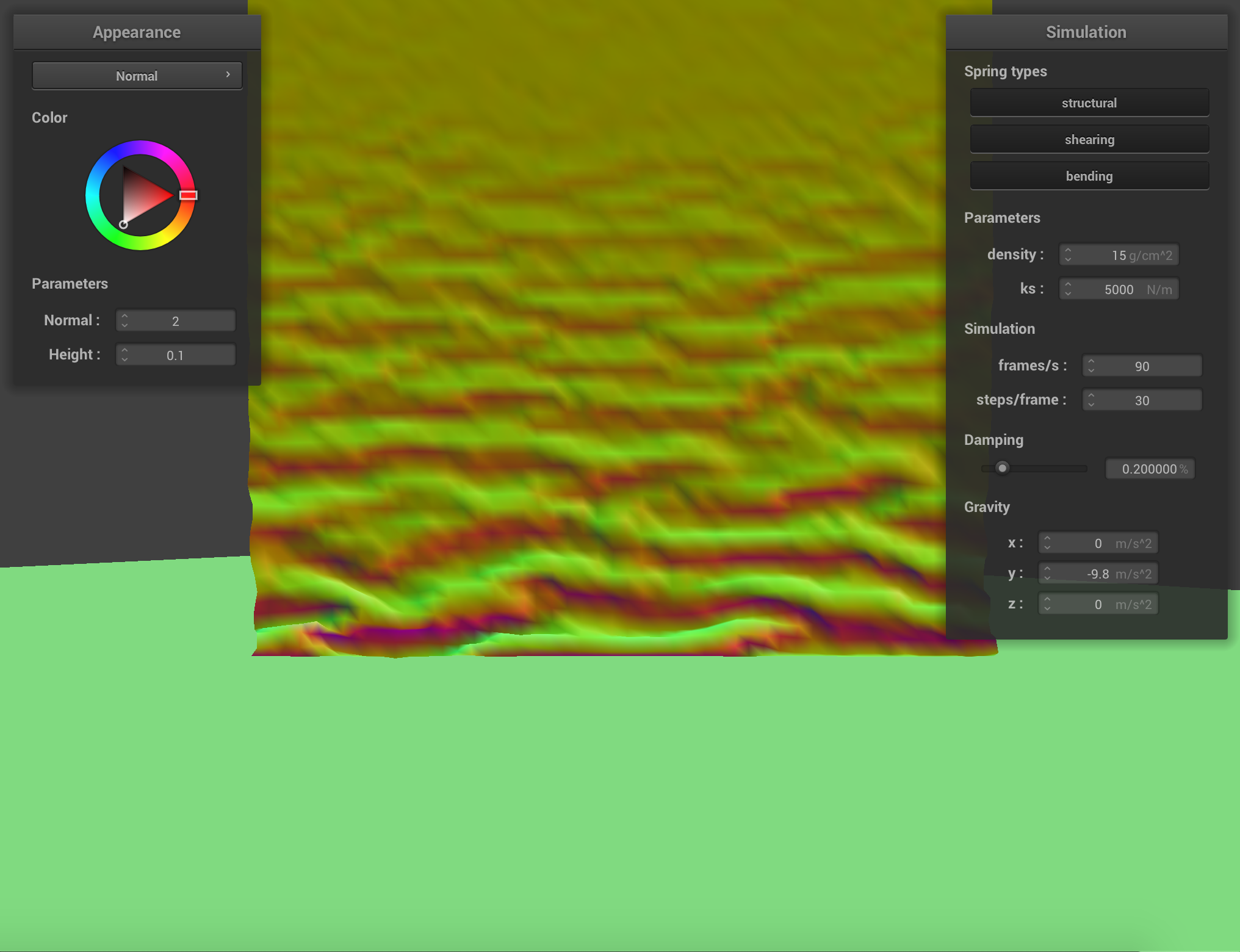
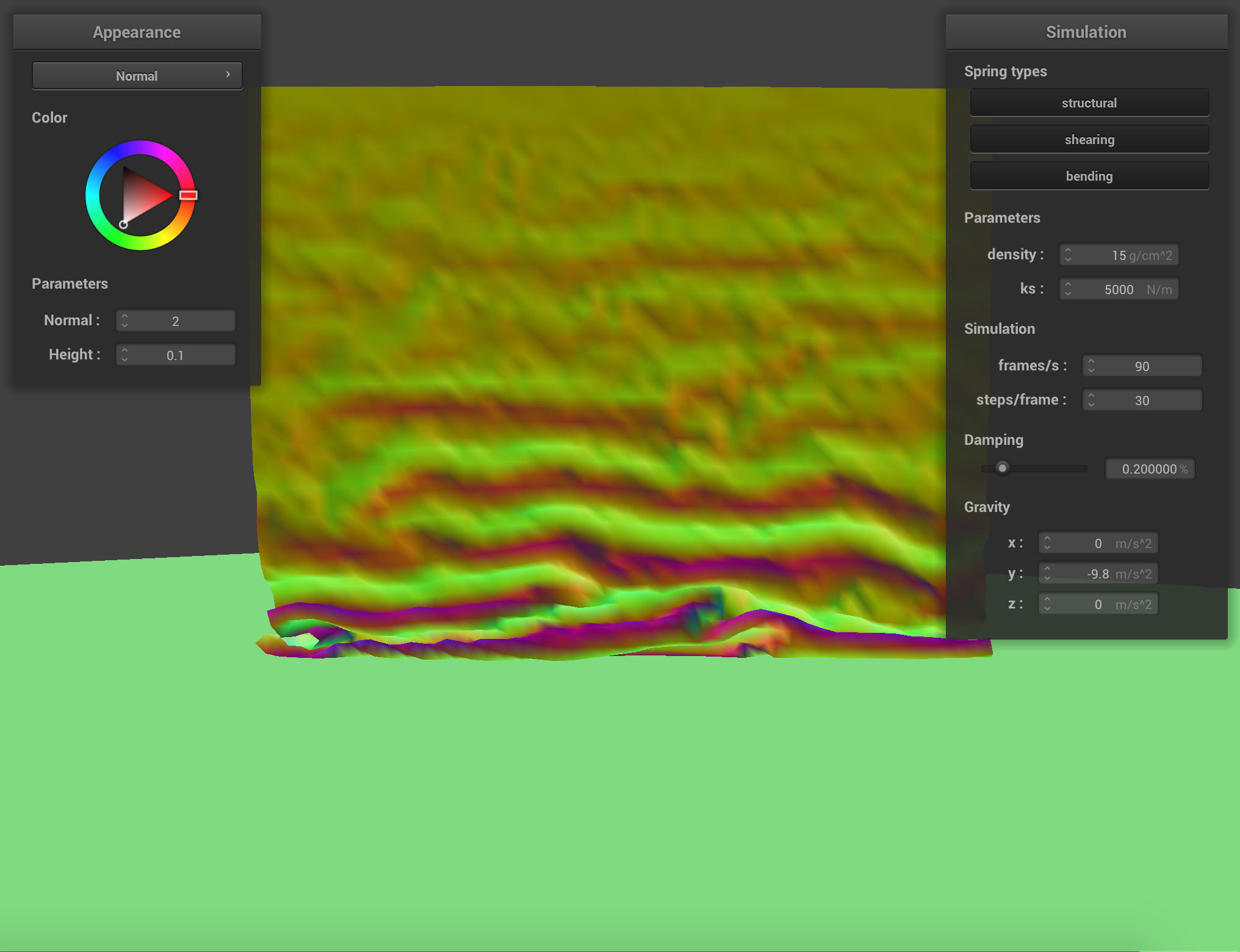
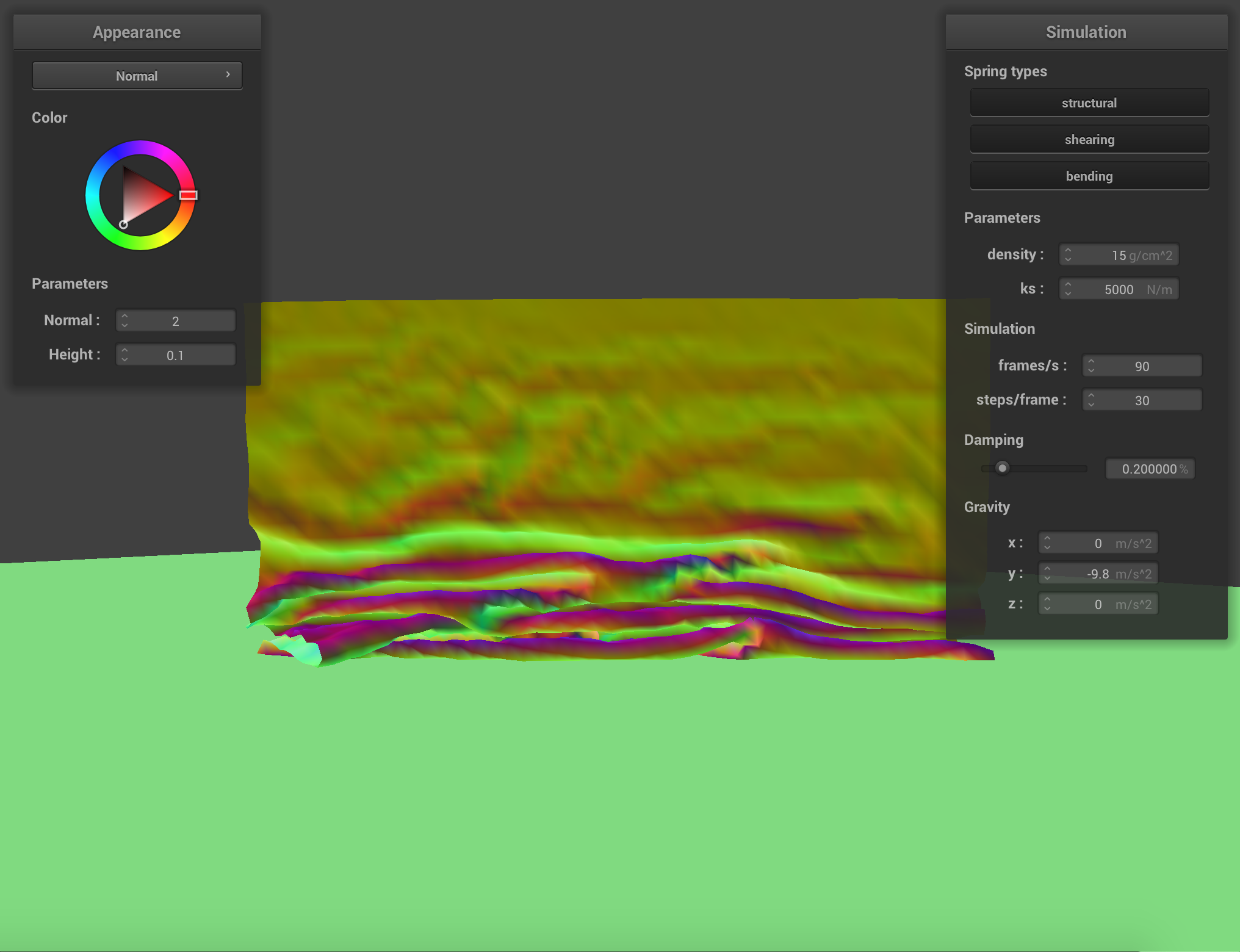
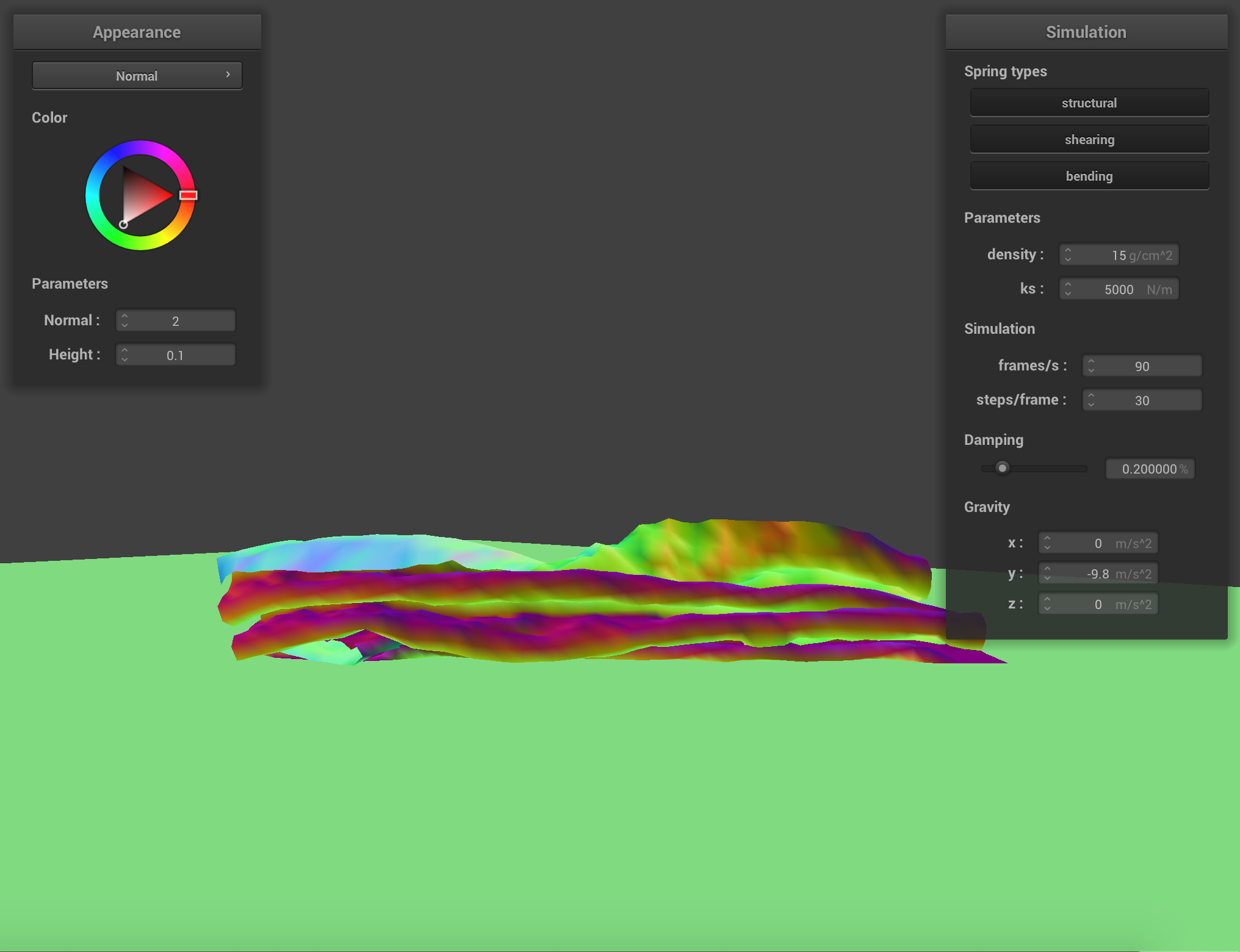
Below are the screenshots that document the cloth falls and folds on itself, starting with an early, initial self-collision and ending with the cloth at restful state.
When increasing the density to density = 50 g/cm^2, the force within the cloth deceased and the point masses inside the structure become closer to each other as the cloth fall.
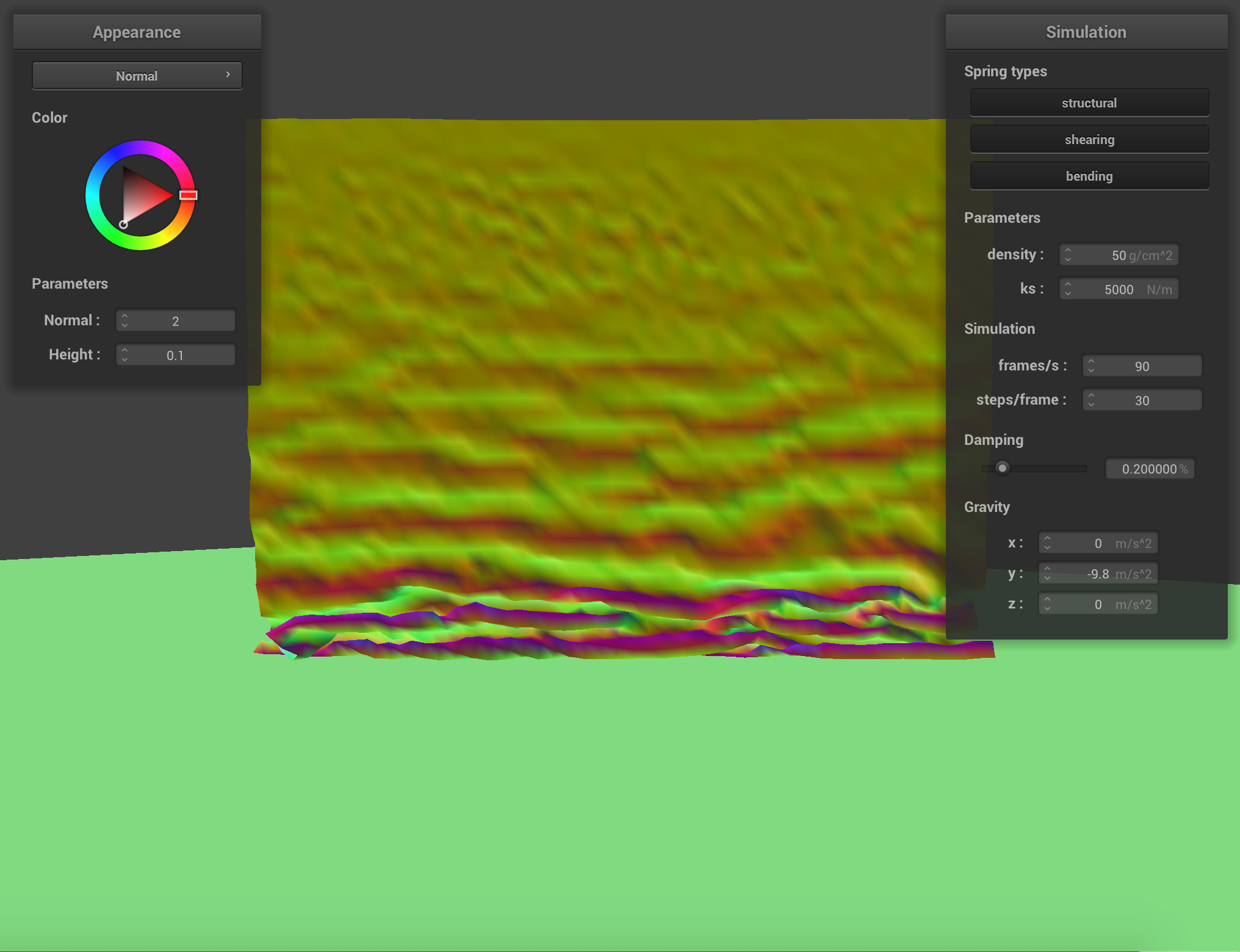 density = 50 g/cm^2
|
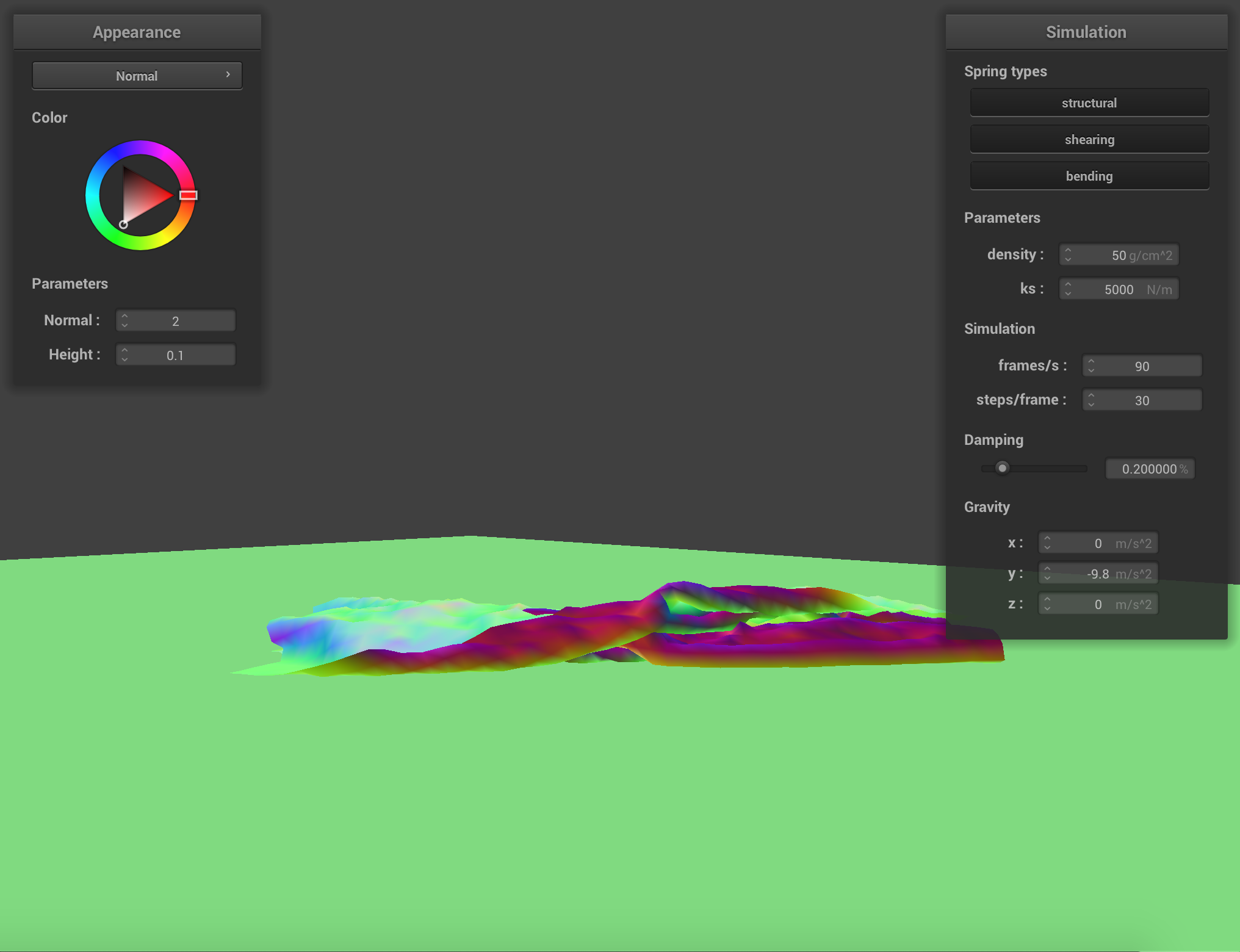 density = 50 g/cm^2
|
Part 5: Shaders
Overview:
The shader program runs in the graphics pipeline and tells computer how to render each pixel. Vertex Shaders transform shape positions into world space and screen space. Fragment Shaders compute the renderings of a shape's colors and other attributes.
Blinn-Phong shading model:
The Blinn-Phong shading model is basically the effect of ambient plus diffusion plus specular.Below are the screenshots showing those effects.
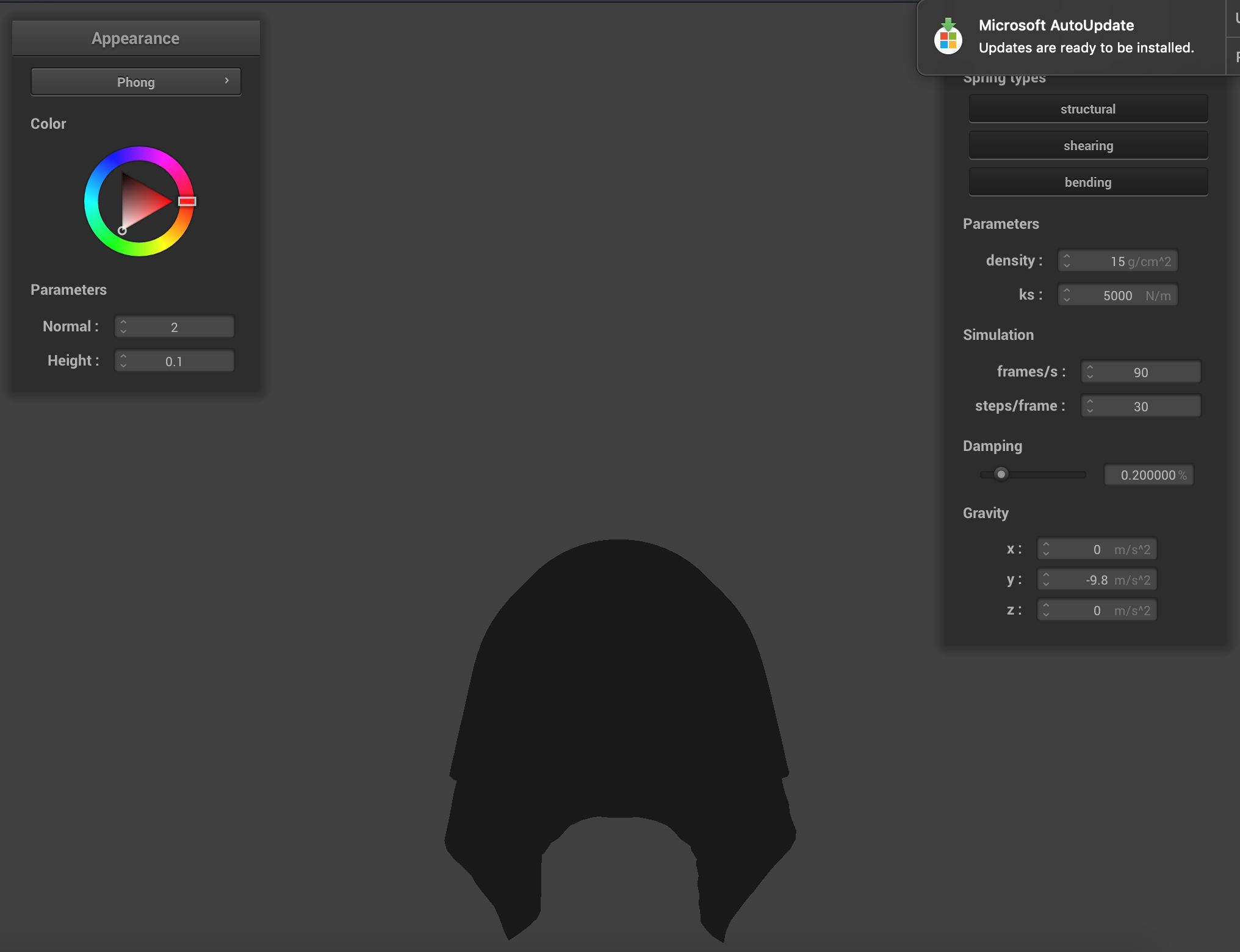 Ambient
|
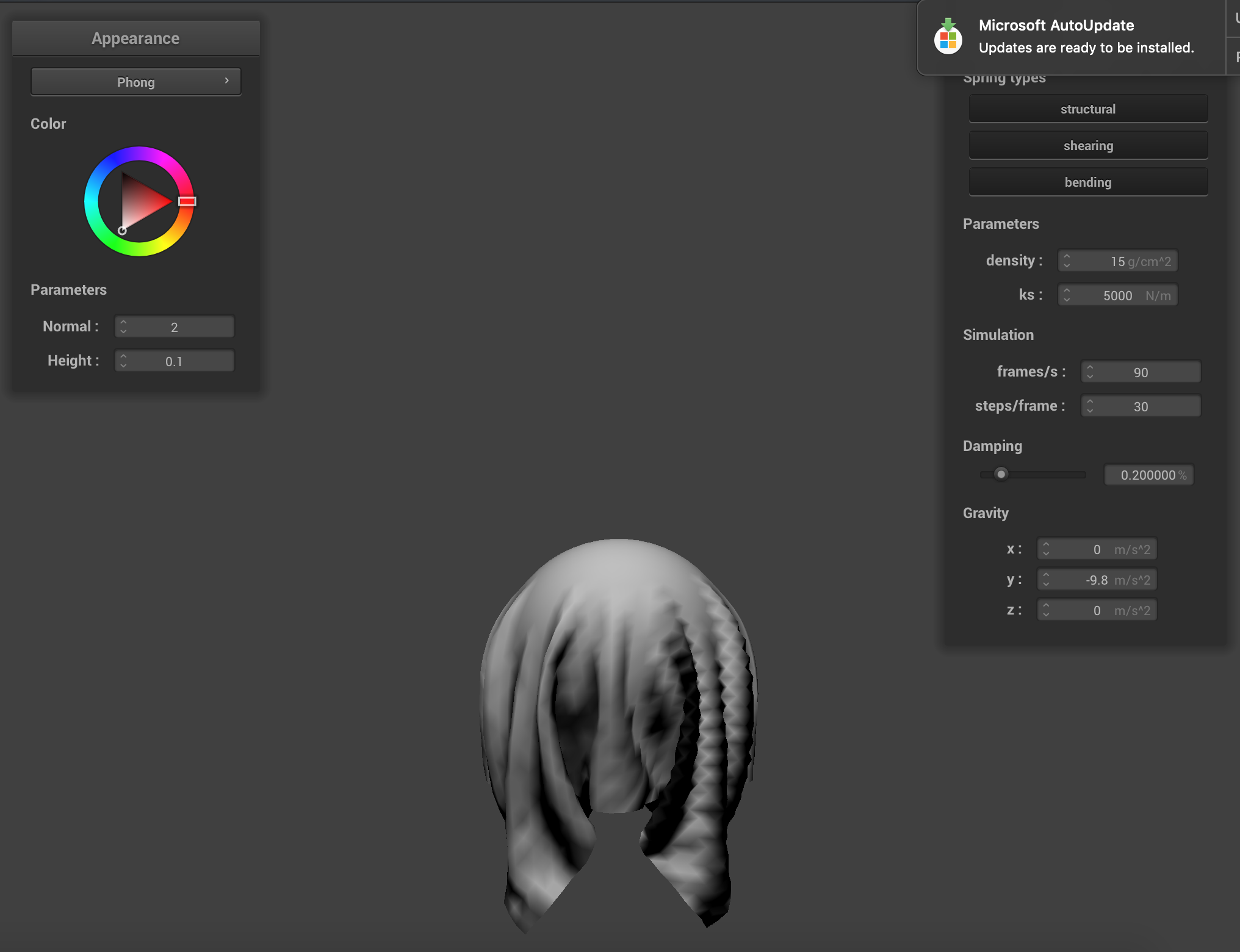 Diffuse
|
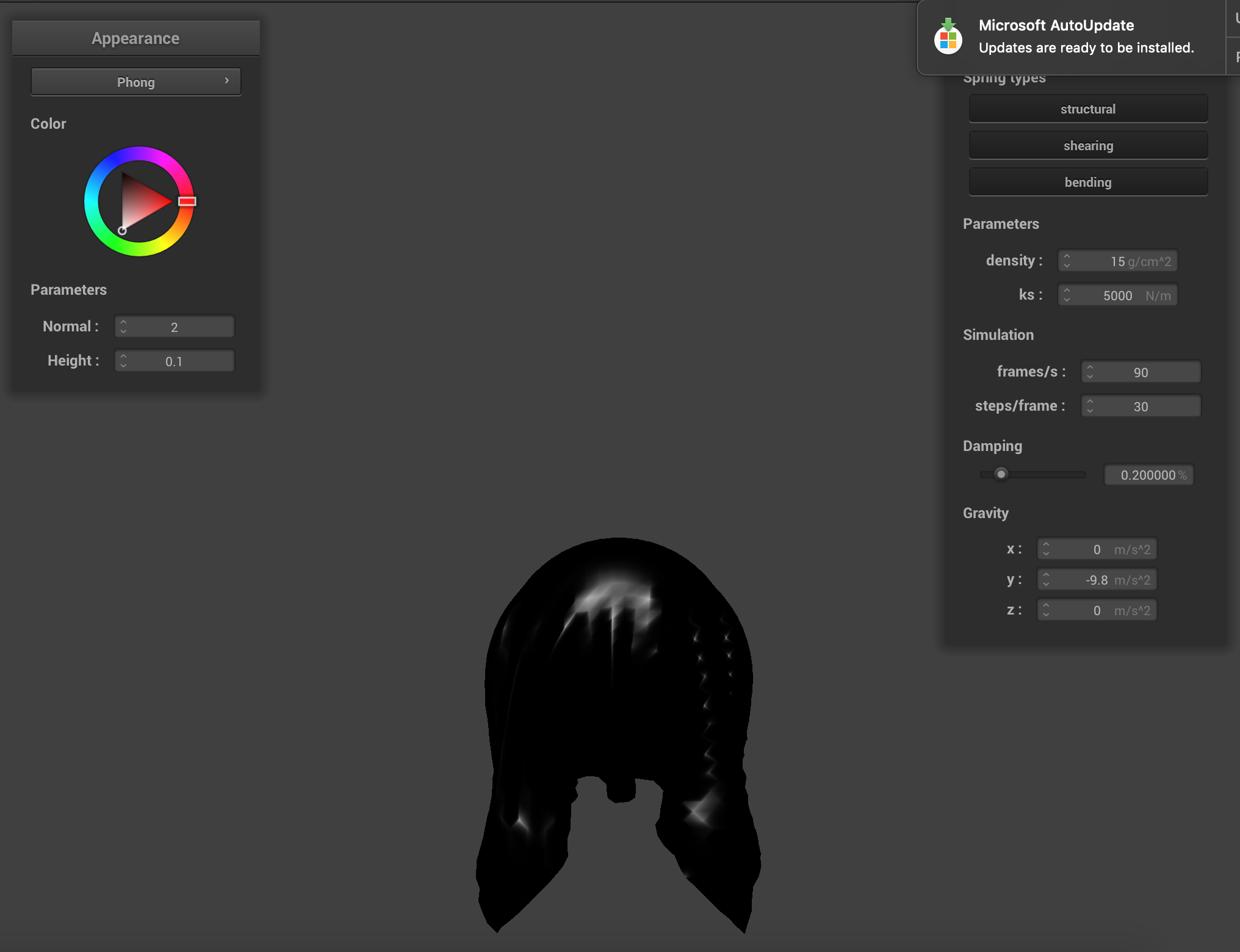 Specular
|
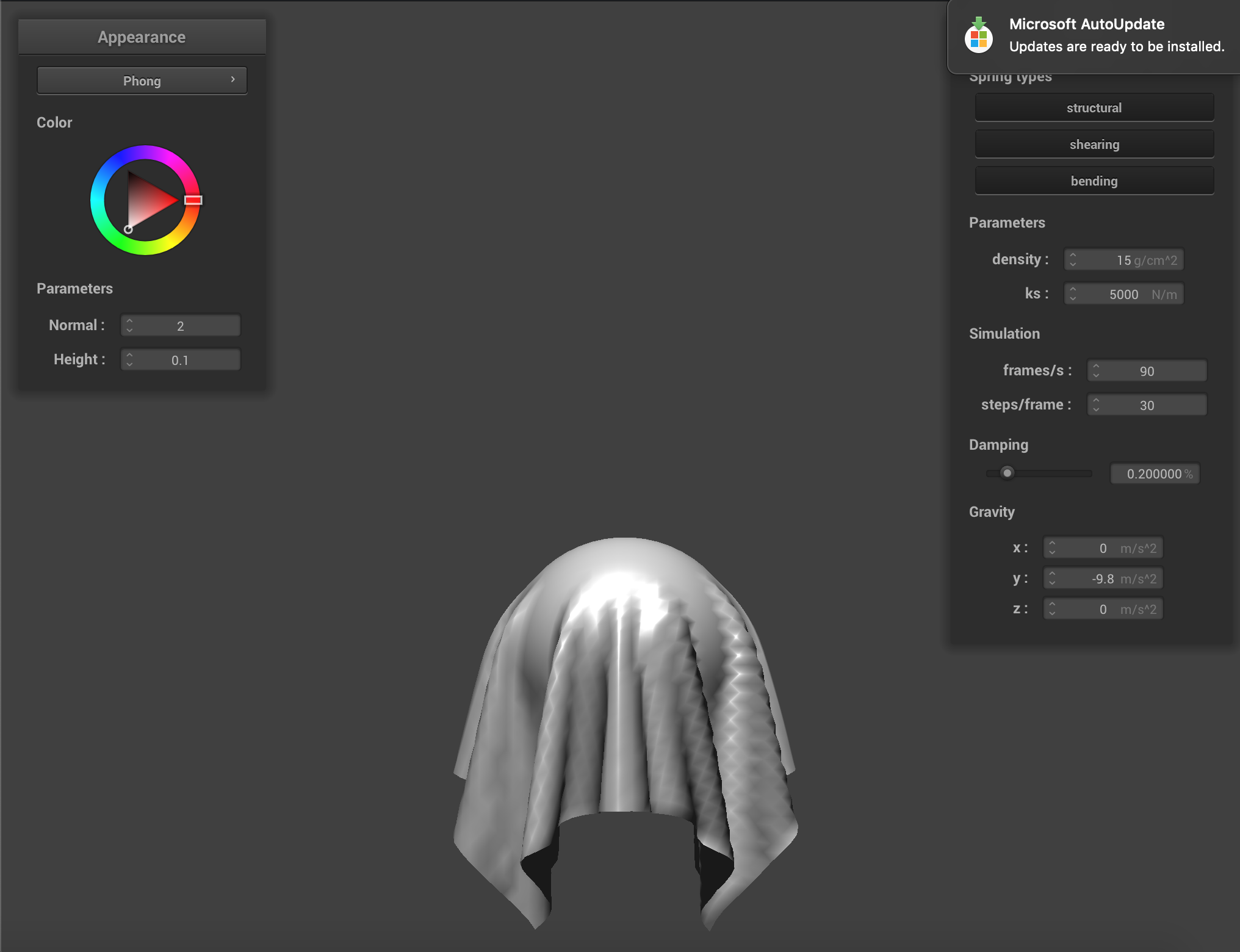 Blinn-Phong
|
Texture:
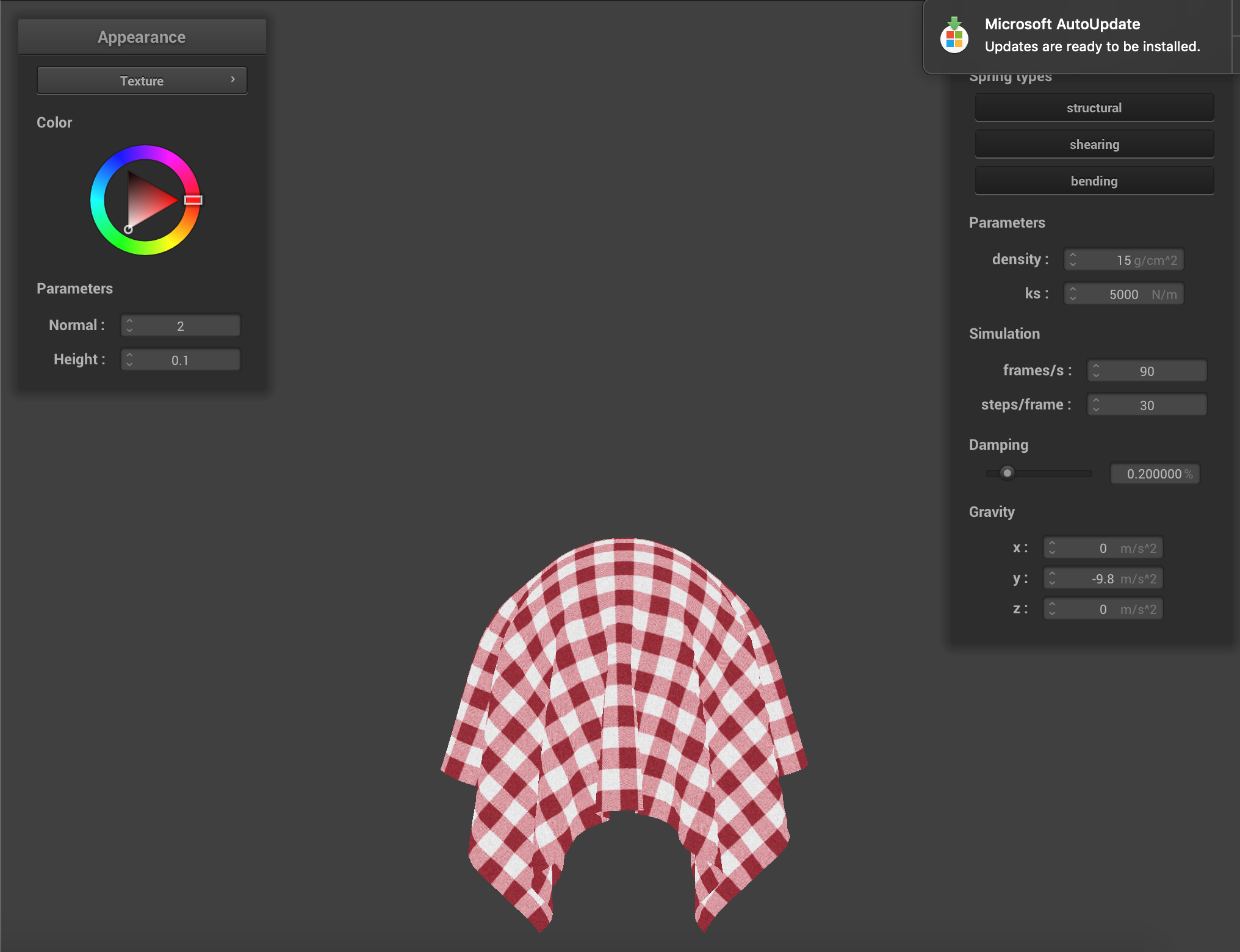 Texture
|
Bump & Displacement:
In bump mapping, we modify the normal vectors of an object so that the fragment shader gives the illusion of detail (such as bumps) on an object. In displacement mapping, we modify the position of vertices to reflect the height map in addition to modifying the normals to be consistent with the new geometry. So that in displacement mapping the details are much more drastic.
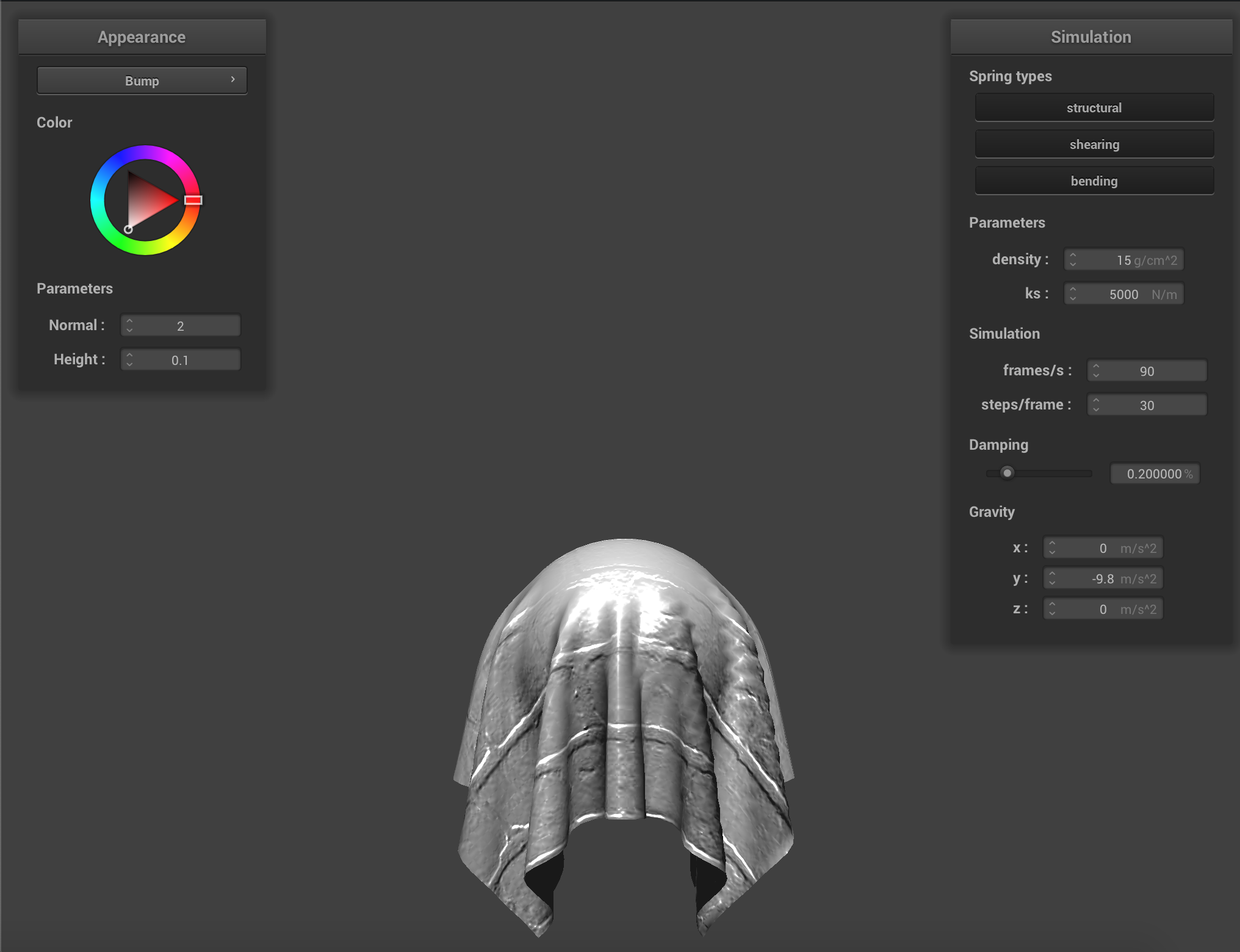 Bump
Bump
|
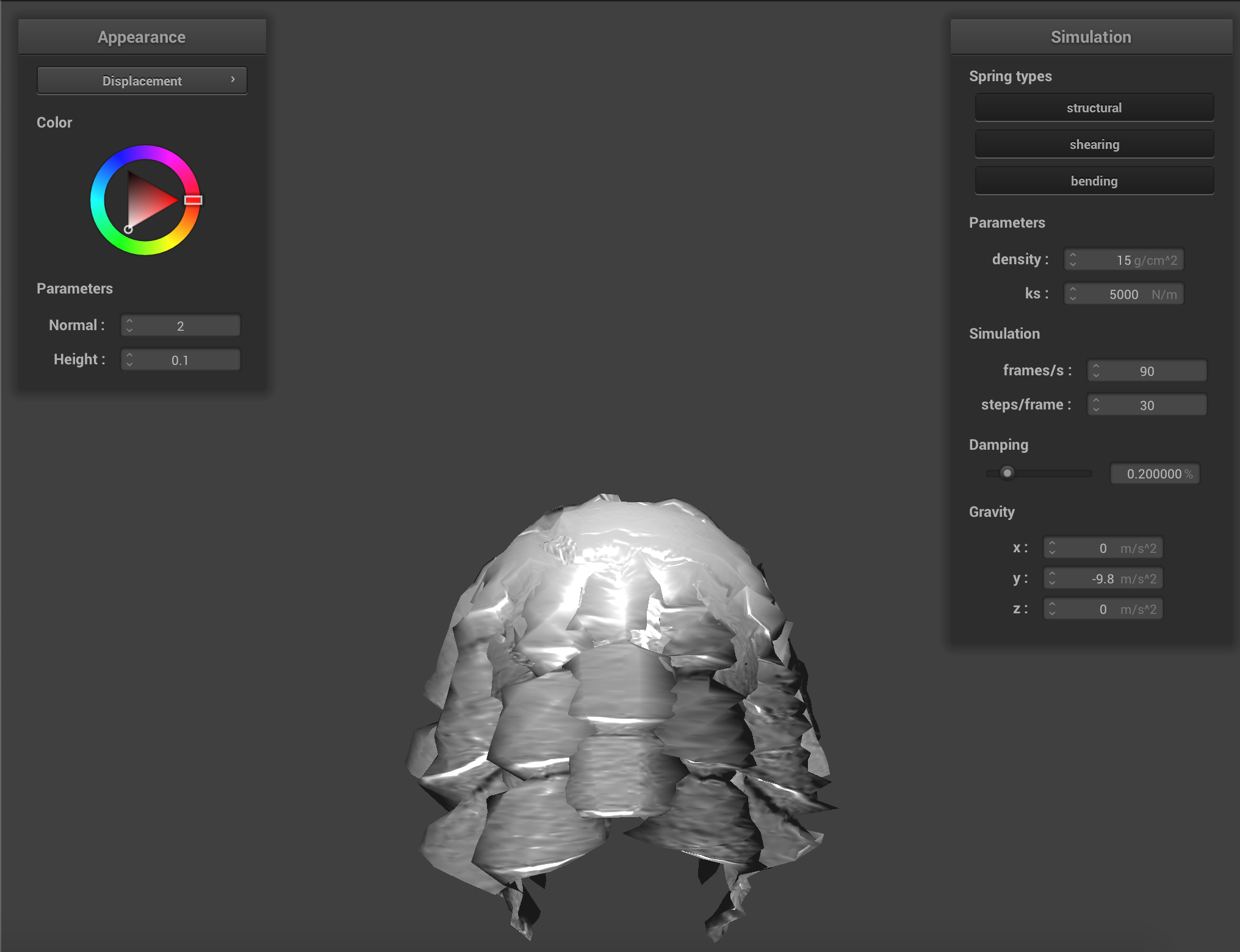 Displacement
|
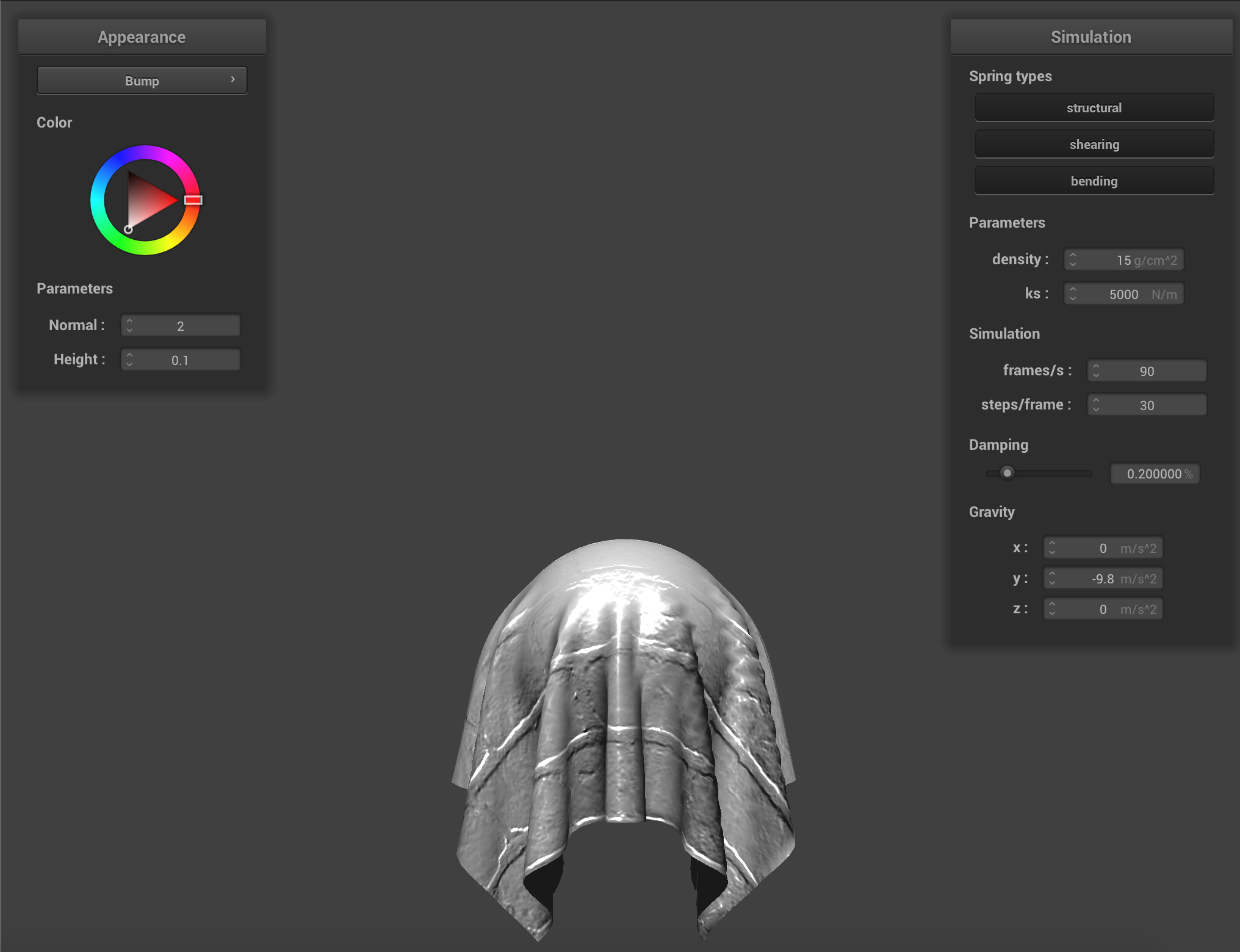 Bump -o 16 -a 16
|
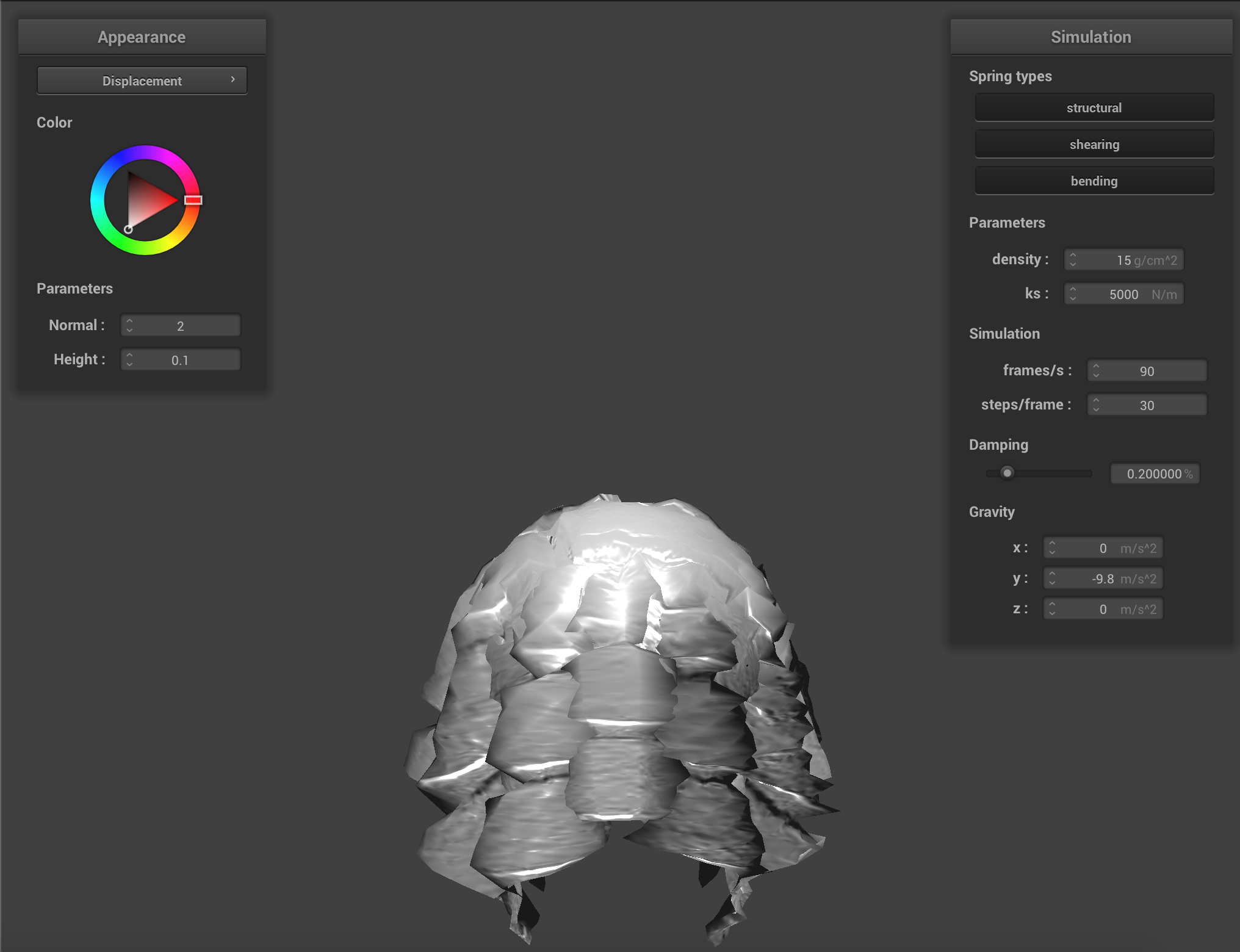 Displacement -o 16 -a 16
|
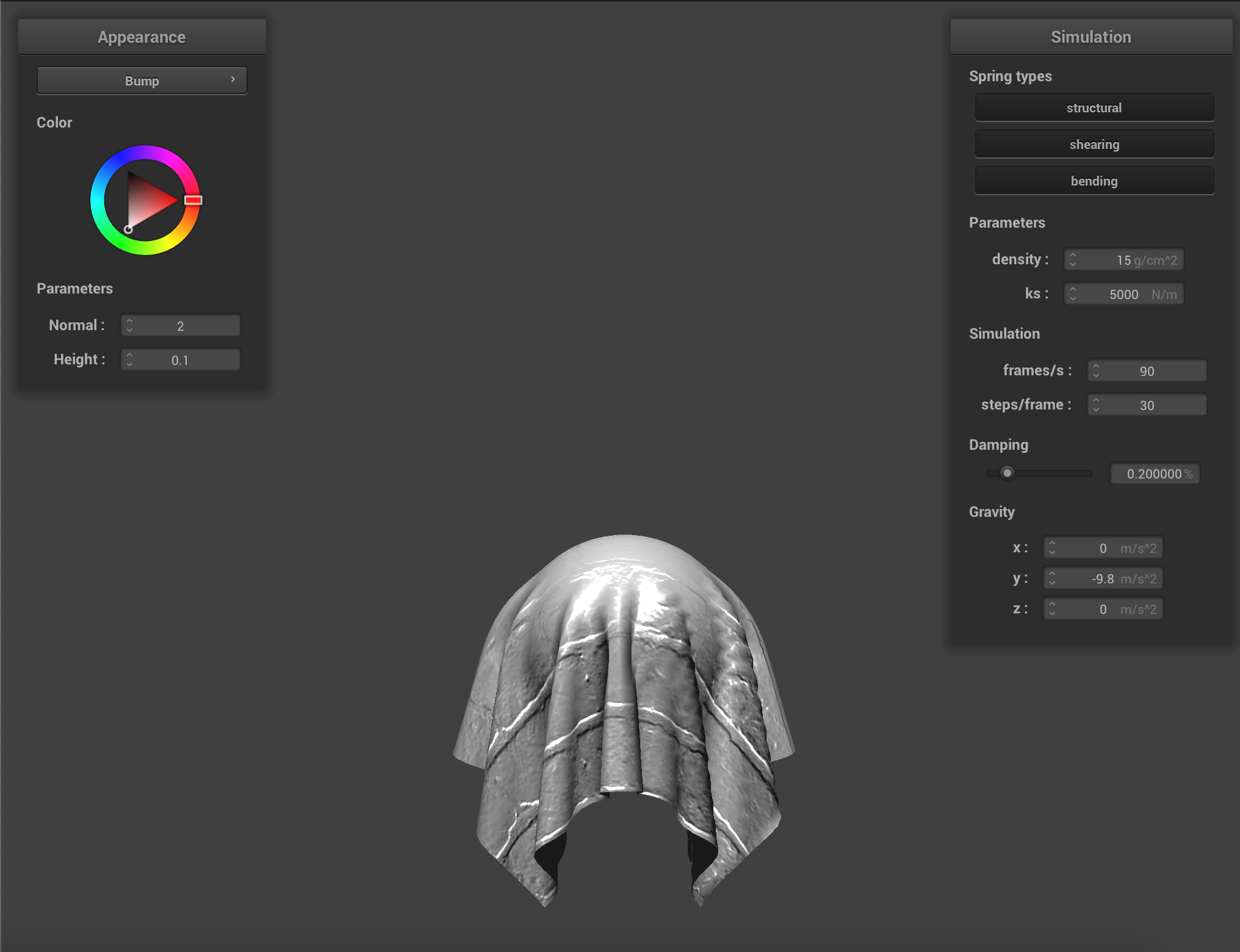 Bump -o 128 -a 128
|
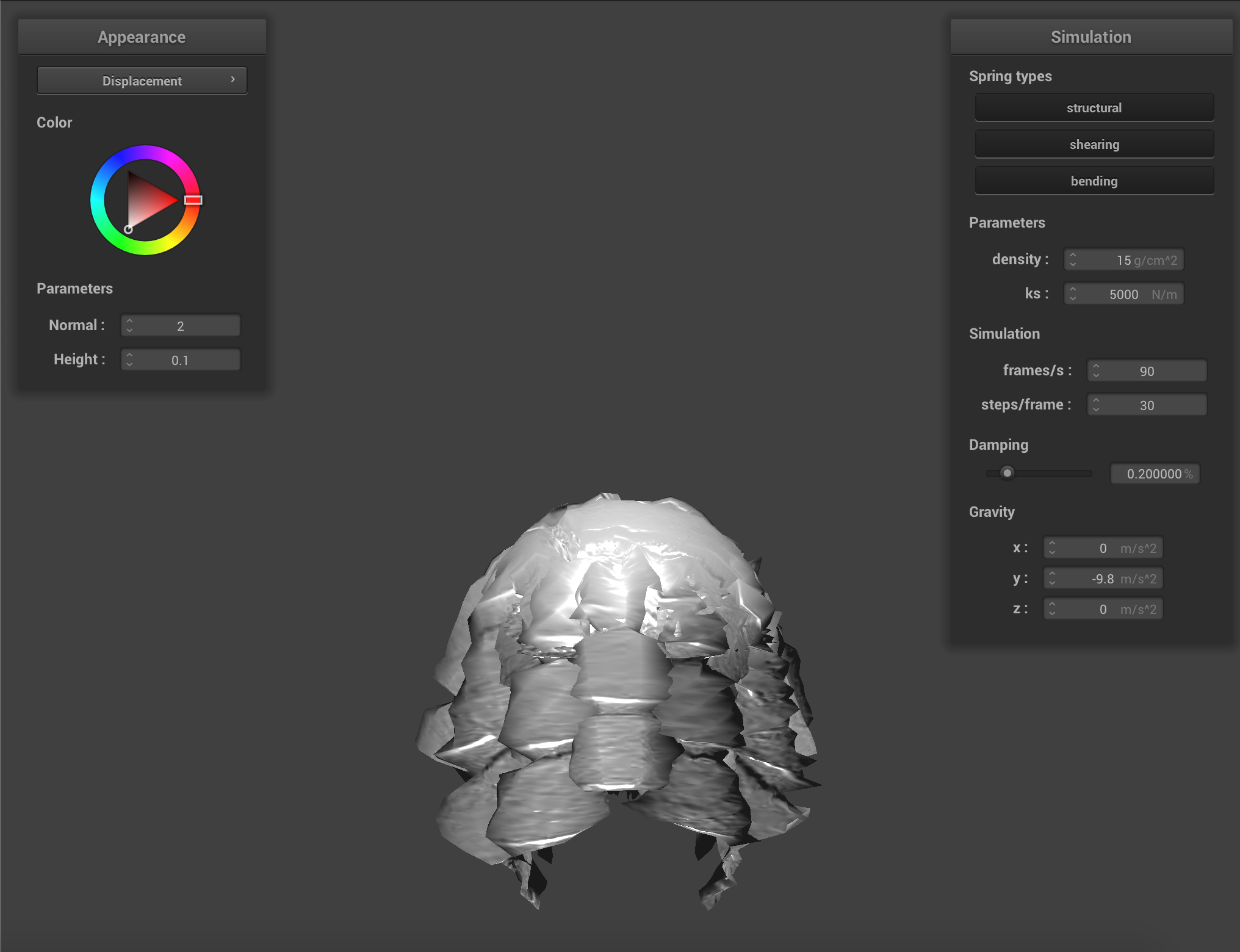 Displacement -o 128 -a 128
|
Mirror:
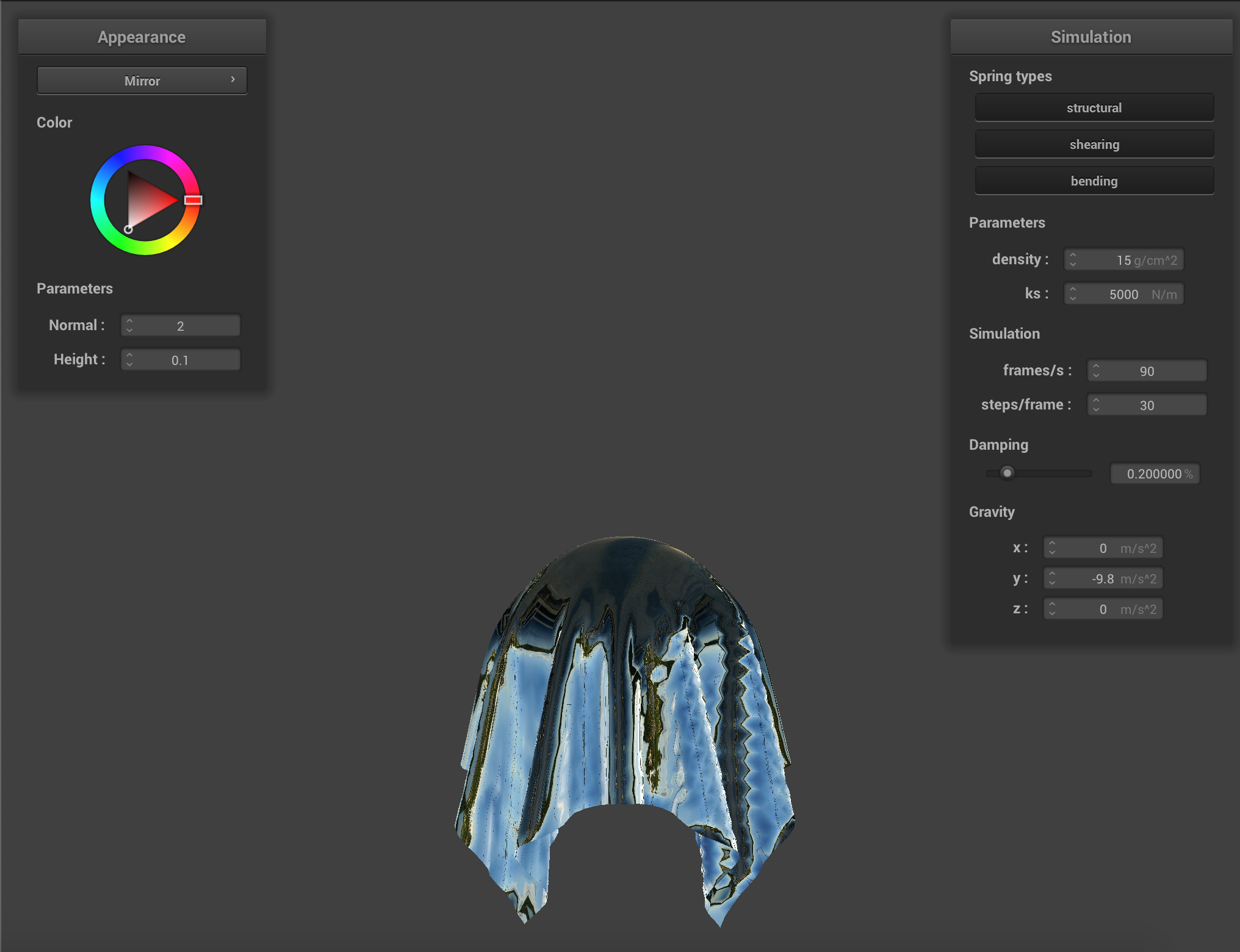 Mirror
|